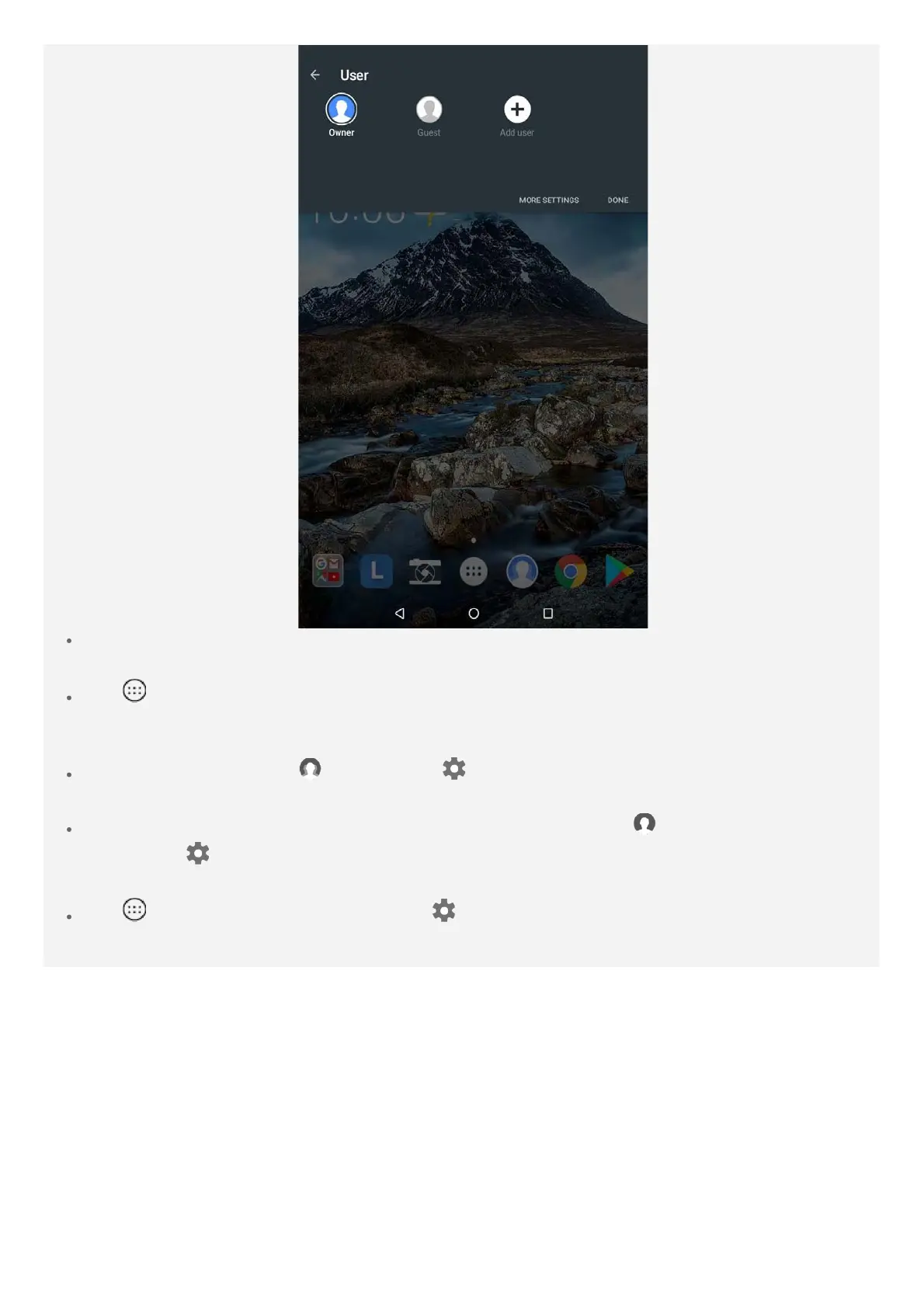
On the lock screen interface, select the user photos you want to switch, then tap and swipe
up to switch to the user account.
Tap > Settings > Users, select the user account you want to switch.
Deleting a user account
On the home screen, tap , and tap the icon located beside the account you would
like to delete, then tap DELETE USER > DELETE.
On the home screen, swipe down from the top of the screen, tap , tap MORE SETTINGS
and tap the
icon located beside the account you would like to delete, then tap DELETE
USER > DELETE.
Tap > Settings > Users, and tap the icon located beside the account you would like
to delete, then tap DELETE USER > DELETE.














 To Next Page