Gmail
You can send and receive emails if your device is connected to a wireless network.
To access the Gmail app, go to Gmail.
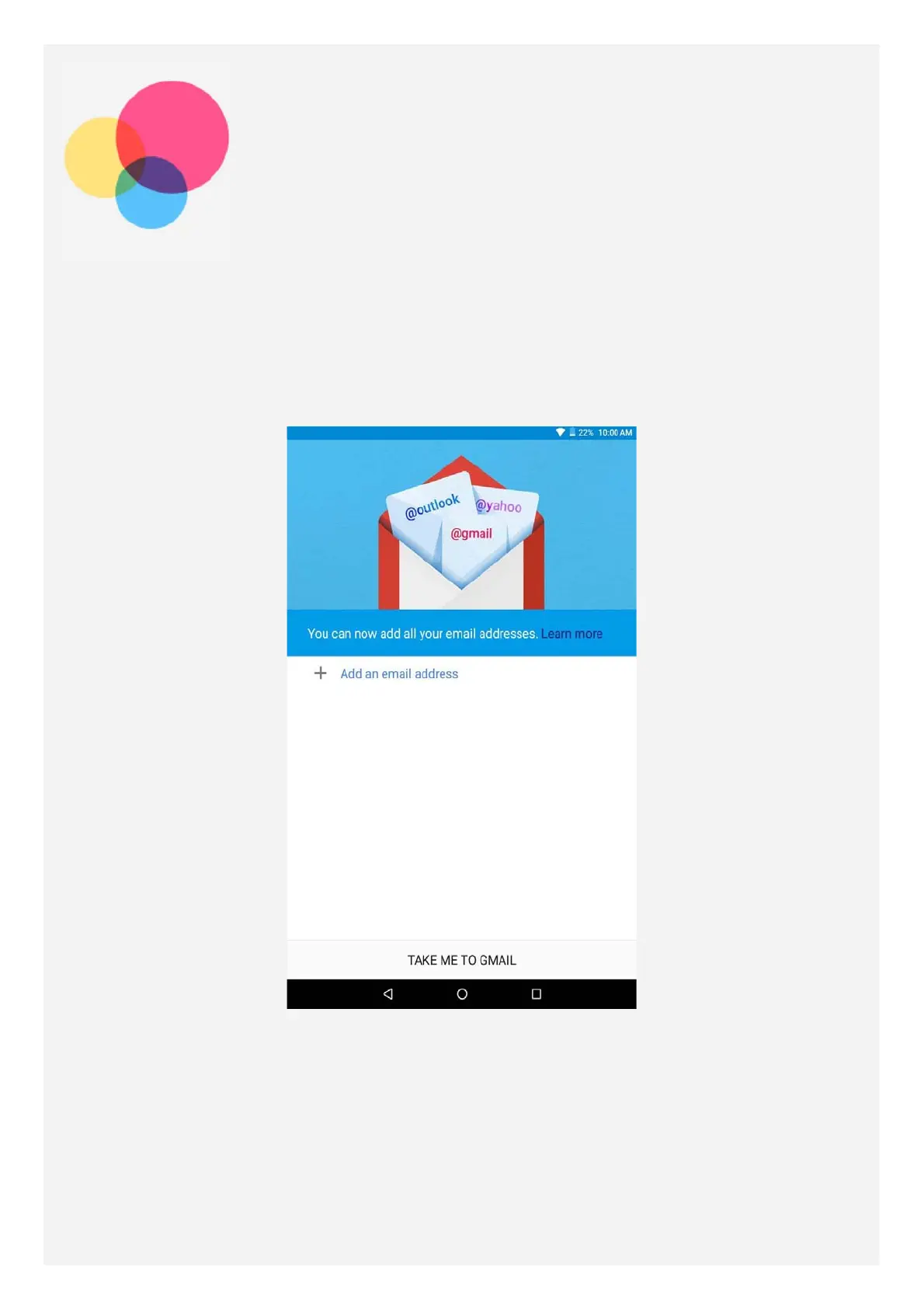
Setting up a Gmail account
You can sign into Gmail if you have a Gmail account. If not, you will need to create a Gmail
account, and you can also sign in email accounts provided by other company.
Using Gmail
After setting up your Gmail account, you can use the Gmail app to send and receive emails.














 To Next Page