Maps
You need to select the following settings before you can use Maps.
Tap
> Settings > Location and enable location access for Google apps.
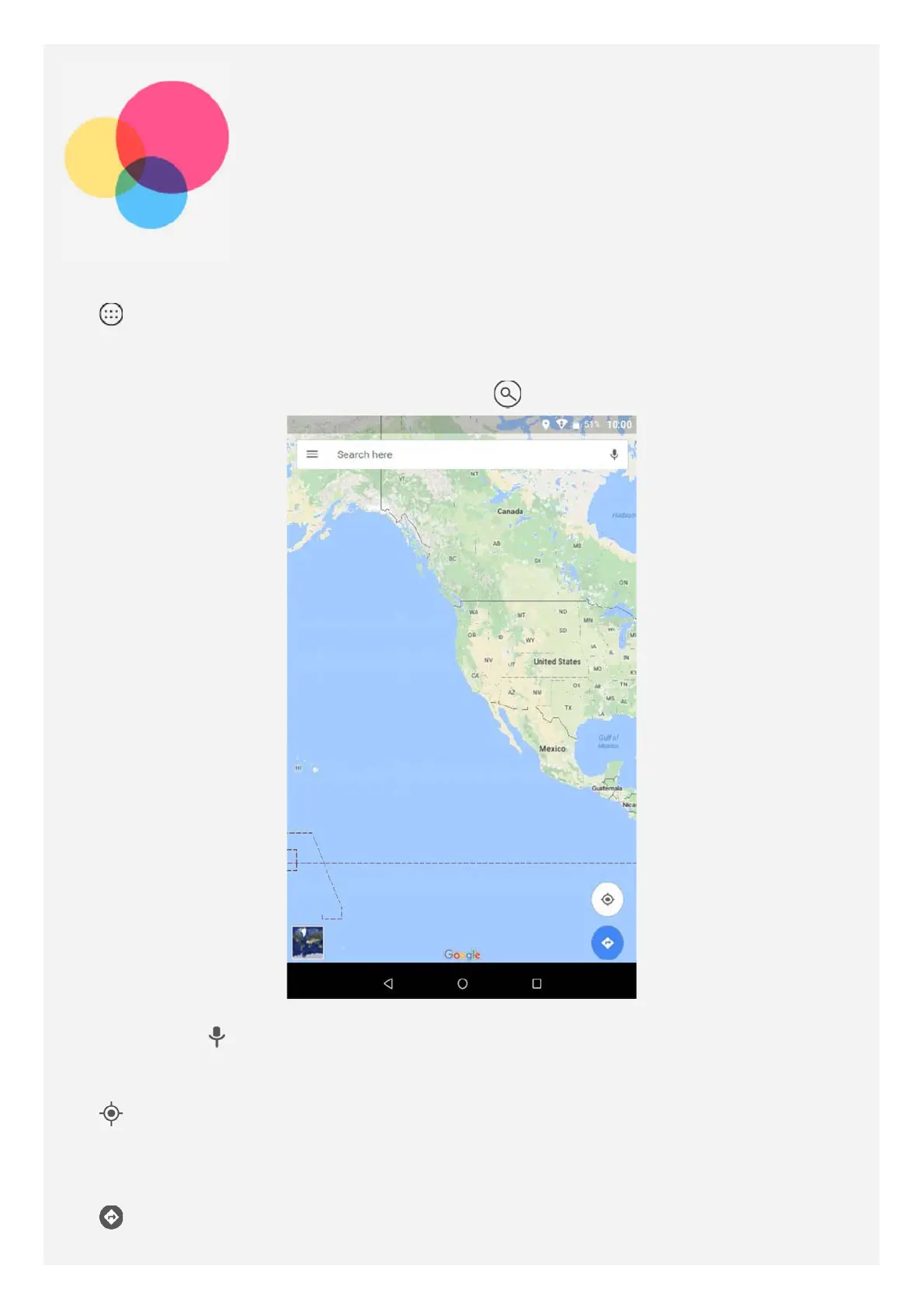
Finding a location
Type the address that you want to find, then press .
You can also tap , then say the address you want.
Current location
Tap to see your current location.
Then tap Explore around you to check what is nearby.
Planning a route
Tap and type in "Your location" and "Choose destination", or just choose the starting
point as "Your location".














 To Next Page