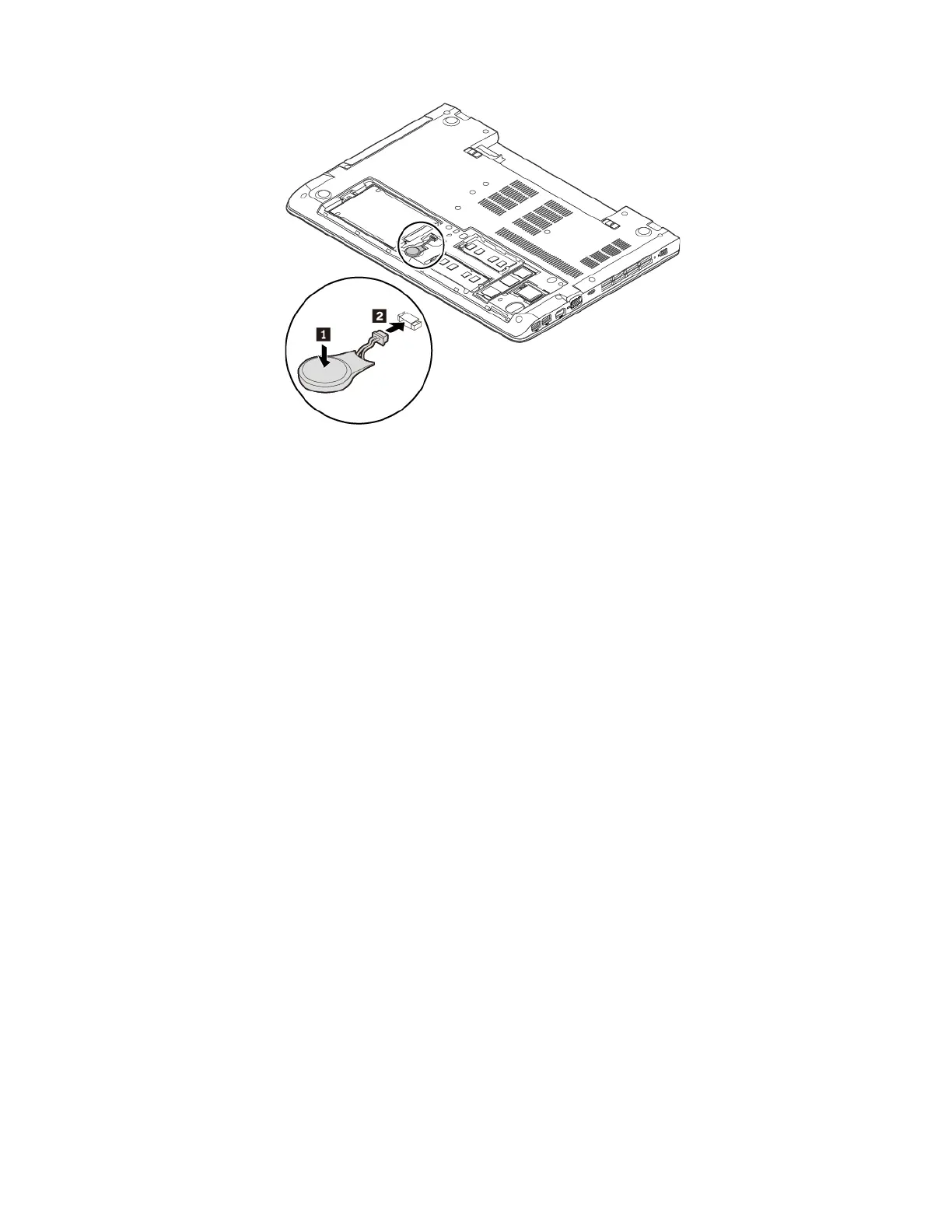
7. Reinstall the bottom cover. See “Replacing the bottom cover” on page 95.
8. Reinstall the removable battery. See “Replacing the removable battery” on page 89.
9. Turn the computer over. Connect the ac power adapter and all cables to the computer.
Attention: After you replace the coin-cell battery, reset the system date and time in the ThinkPad Setup
program. See “Date/Time menu” on page 58.
104
ThinkPad E570, E570c, and E575 User Guide














 To Next Page