5. Turn the computer over. Connect the ac power adapter and all cables to the computer.
Replacing the keyboard
Before you start, read “Important safety information” on page v and print the following instructions.
To remove the keyboard, do the following:
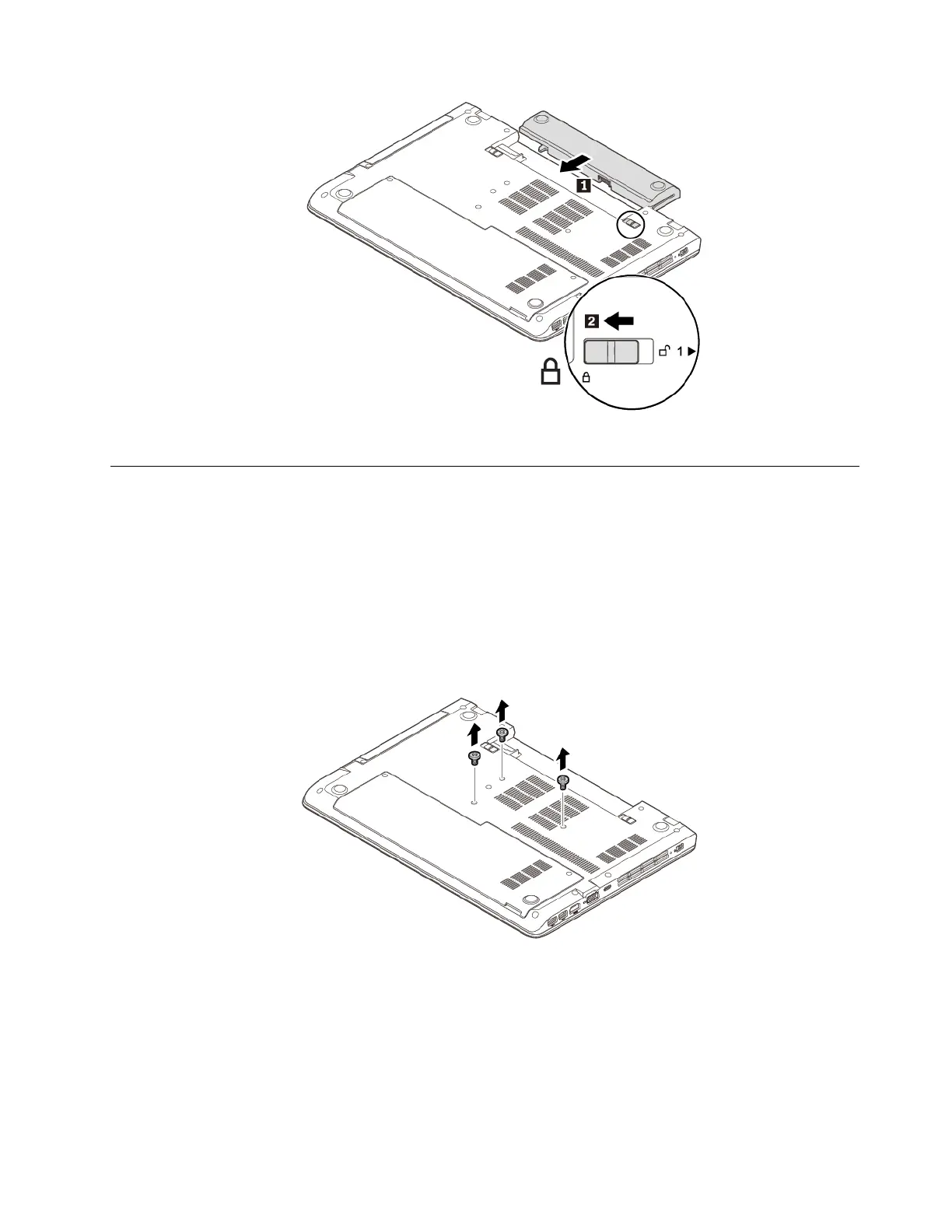
1. Ensure that the computer is turned off and disconnected from ac power and all cables.
2. Close the computer display and turn the computer over.
3. Remove the removable battery. See “Replacing the removable battery” on page 89.
4. Remove the screws that secure the keyboard.
5. Turn the computer over and open the display. Push hard in the direction shown by the arrows to unlatch
the keyboard.
Chapter 9. Replacing devices 91














 To Next Page