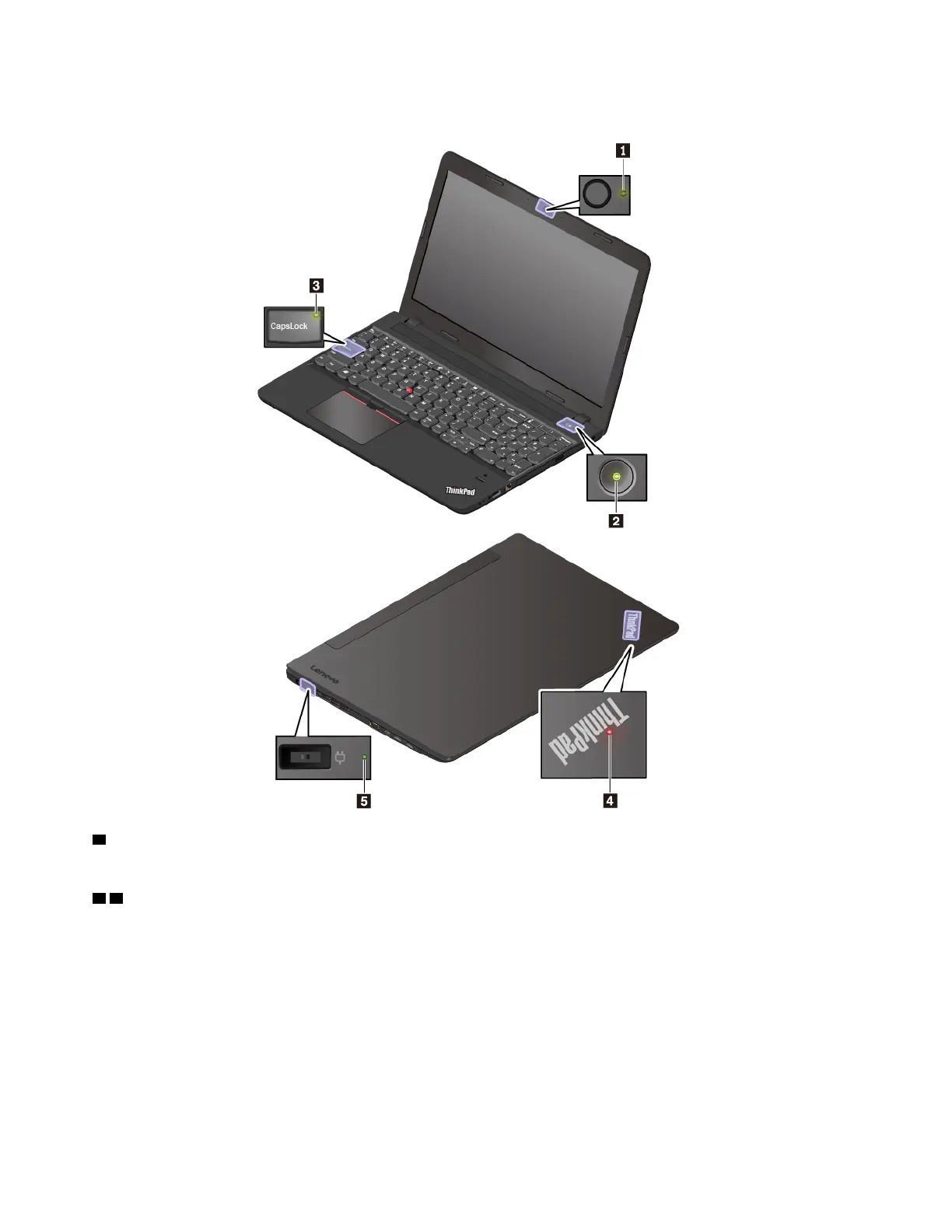
Note: Depending on the model, your computer might look different from the following illustrations.
1 Camera status indicator
When this indicator is on, the camera is in use.
2 4 System status indicators
The indicator in the ThinkPad logo on the computer lid and the indicator in the power button show the
system status of your computer.
• Blinks for three times: The computer is initially connected to power.
• On: The computer is on (in normal mode).
• Off: The computer is off or in hibernation mode.
• Blinks fast: The computer is entering sleep or hibernation mode.
• Blinks slowly: The computer is in sleep mode.
6
ThinkPad E570, E570c, and E575 User Guide














 To Next Page