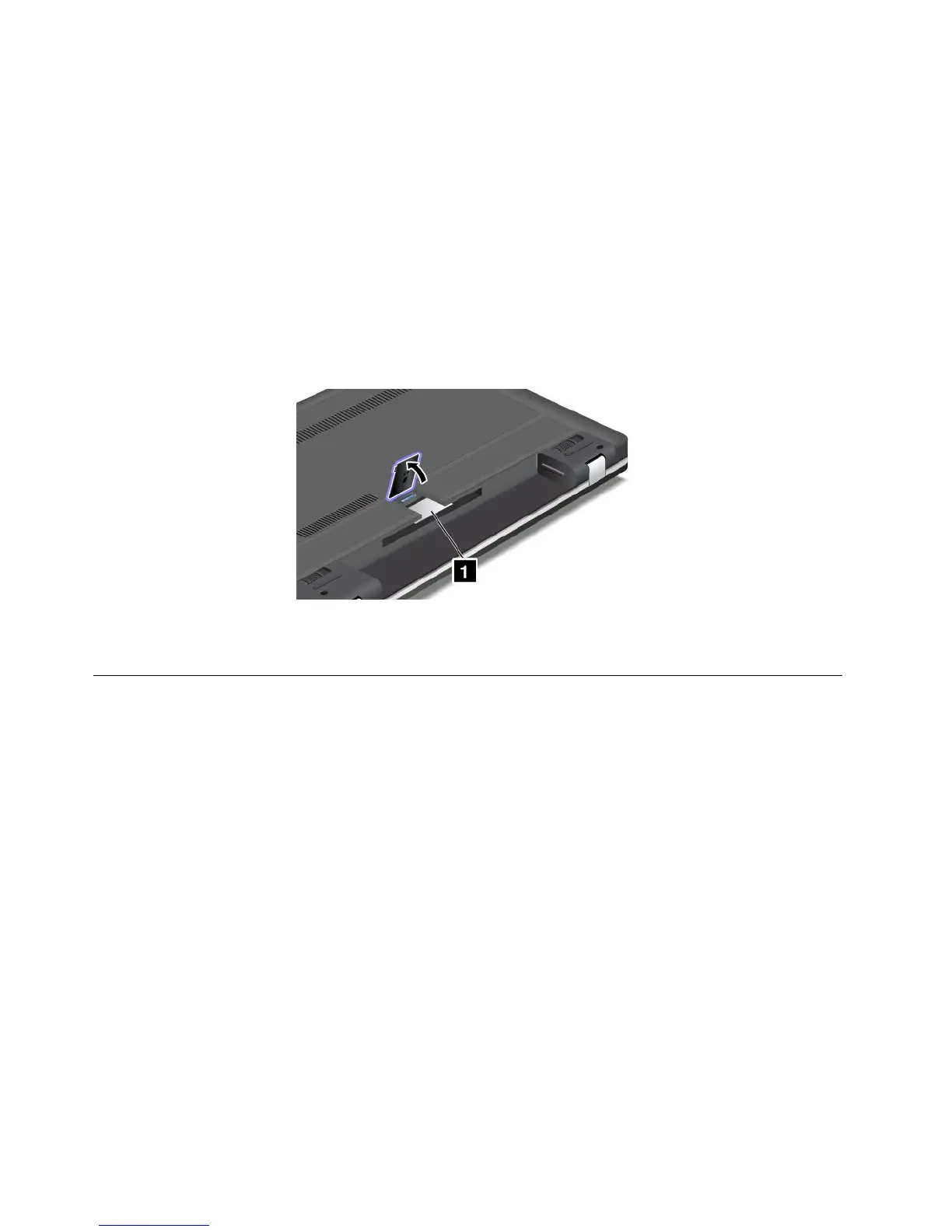
IfyouhavepurchasedawirelessWANenabledcomputer,thewirelessWANPCIExpressHalfMiniCardis
preinstalledatthefactory.Ifyouneedtoremovethiscardforrepairorreplacement,followtheprocedurein
“ReplacingaPCIExpressHalfMiniCardforwirelessWANconnection”onpage68.
Note:OnlyLenovoauthorizedwirelessLANorwirelessWANcardsareallowedtobeusedinyourcomputer.
IfyouinstallanunauthorizedPCIExpressMiniCardthatisnotapprovedforuseinyourcomputer,the
computerwillnotstart,butwillonlydisplayanerrormessageandemitaudiblebeeps.
CerticateofAuthenticitylabel
TheCerticateofAuthenticitylabelforthepreinstalledoperatingsystemisattached.Printedonthislabelare
theproductIDandtheproductkeyinformationforyourcomputer.Recordthisinformationandkeepitina
safeplace.Youmightneedthesenumberstostartyourcomputerorreinstalltheoperatingsystem.
TheCerticateofAuthenticitylabelofyourcomputerisshownasbelow:
Note:TheCerticateofAuthenticitylabelonlyappliestocomputerspreinstalledwiththeWindows7
operatingsystem.
Features
Thistopicliststhefeaturesofyourcomputer.
Processor
•Toviewtheprocessorinformationofyourcomputer,dothefollowing:
–ForWindows7:ClickStart,right-clickComputer.ThenclickProperties.
–ForWindows8:Movethecursortothebottomrightcornerofthescreentobringupthecharms.
ThenclickSettings➙PCinfo.
Memory
•Doubledatarate3synchronousdynamicrandomaccessmemorymodules(DDR3SDRAM)
Storagedevice
•2.5-inch(7mmheight)harddiskdriveor2.5-inch(7mmheight)solid-statedrive
•mSATAsolid-statedrive(onsomemodels)
Display
ThecolordisplayusestheTFTtechnology.
•Size:11.6inches(294.64mm)
10UserGuide













 To Next Page