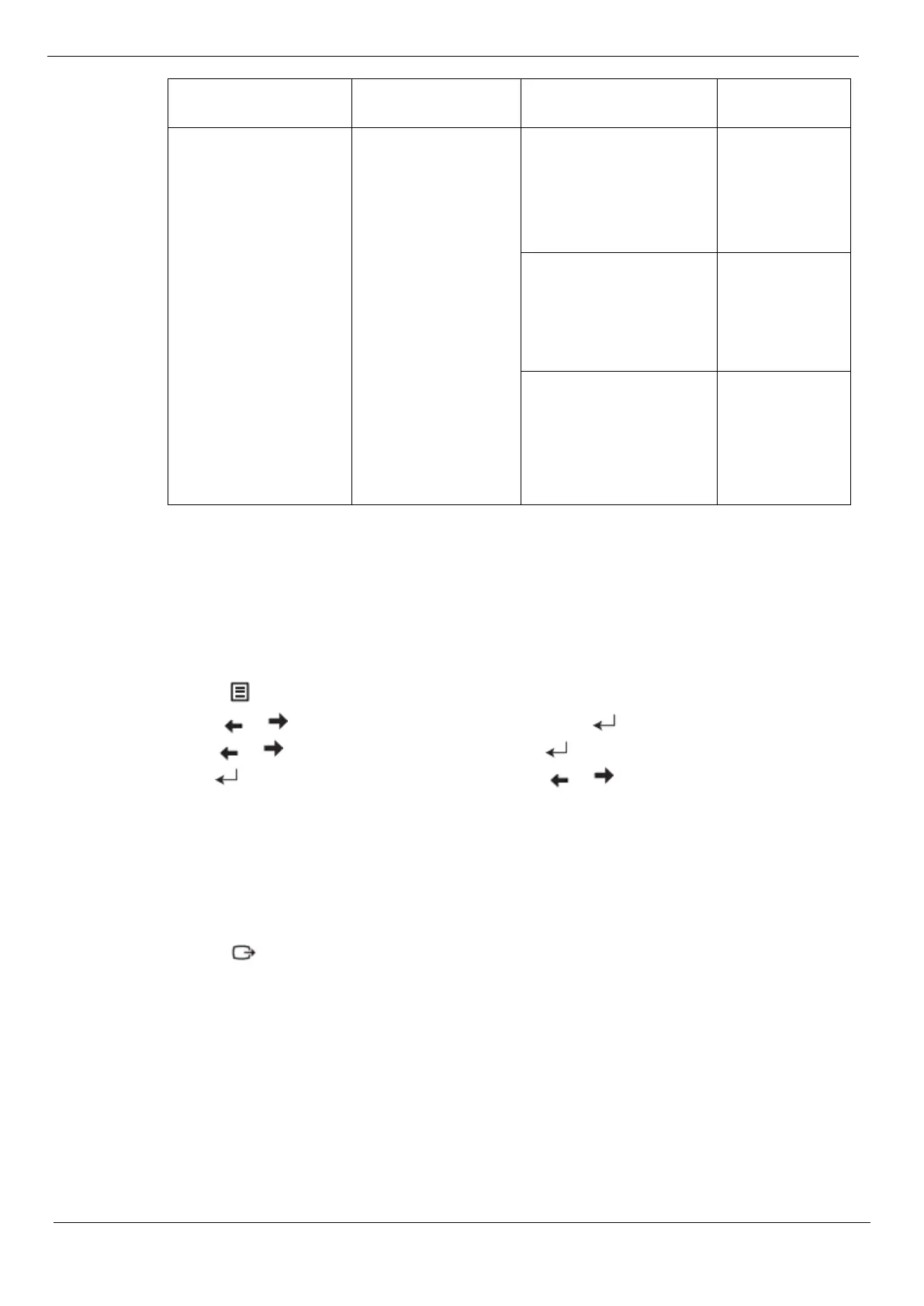
If the automatic picture setting does not provide a picture you are satisfied with, you can
perform a manual picture setting. (VGA [Analog] only)
Note: Turn on the power to the display and wait for about 15 minutes to allow the display
to warm up.
1. Press to open the OSD menu.
2. Use or to select "Advanced Settings", and press .
3. Use or to select "Auto Settings", and press to access.
4. Use or to select Clock or Phase, and then use or to adjust the value.
Clock: (pixel frequency) adjusts the number of pixels that can be scanned in one horizontal
scan. If the frequency is incorrect, vertical bars may appear on the screen and the picture
width may be incorrect.
Phase: adjusts the phase of the pixel clock signal. When the phase is not adjusted correctly,
horizontal disturbances may appear in the bright picture.
5. When the image no longer looks distorted, press Enter to save the Clock and Phase
adjustments.
6. Press to exit the OSD menu.
Chapter 3. Reference Information 3-4




 To Next Page