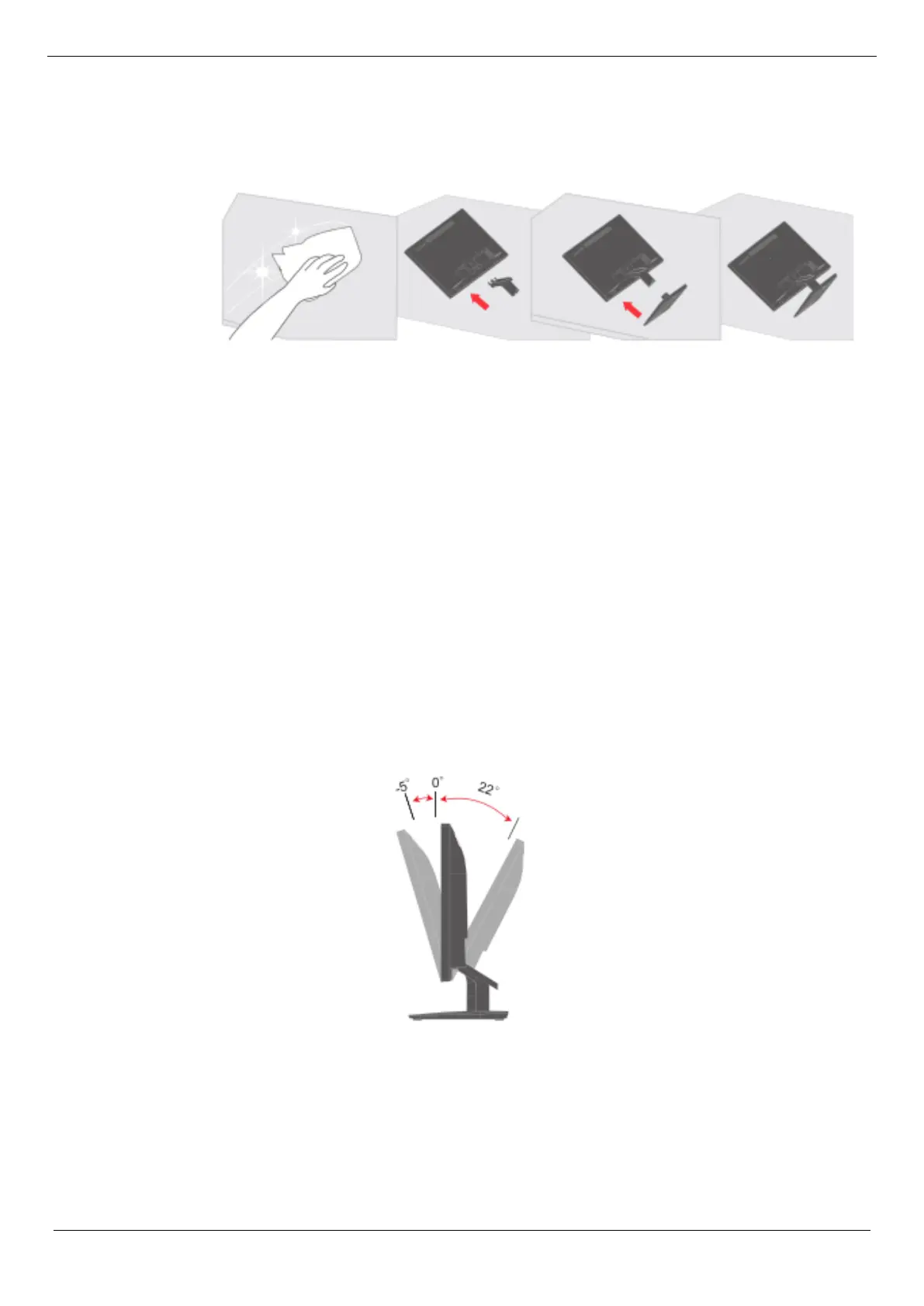
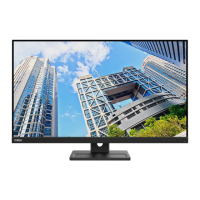
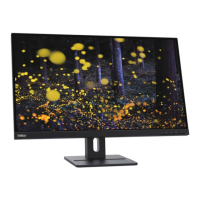
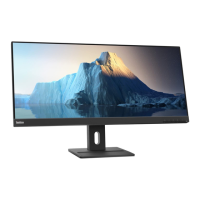
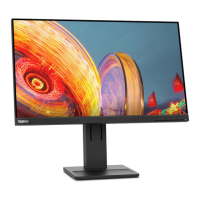
To set up your display, please refer to the following illustration.
Note: Do not touch the screen area of the display. The screen area is a glass product
and can be easily damaged by friction or pressure.
1. Place the display screen down on a soft flat surface.
2. Align the stand assembly bracket with the display.
3. Insert the base into the stand until it snaps into place.
Note: To install the VESA mount, see "Wall-mounted (optional)" on pages 2-9.
Chapter 1. New Member Guide 1-2






 To Next Page