USB & SD operation
The system is able to decode and playback all MP3/WMA files stored in
the memory media connected to the USB port or SD/MMC card slot.
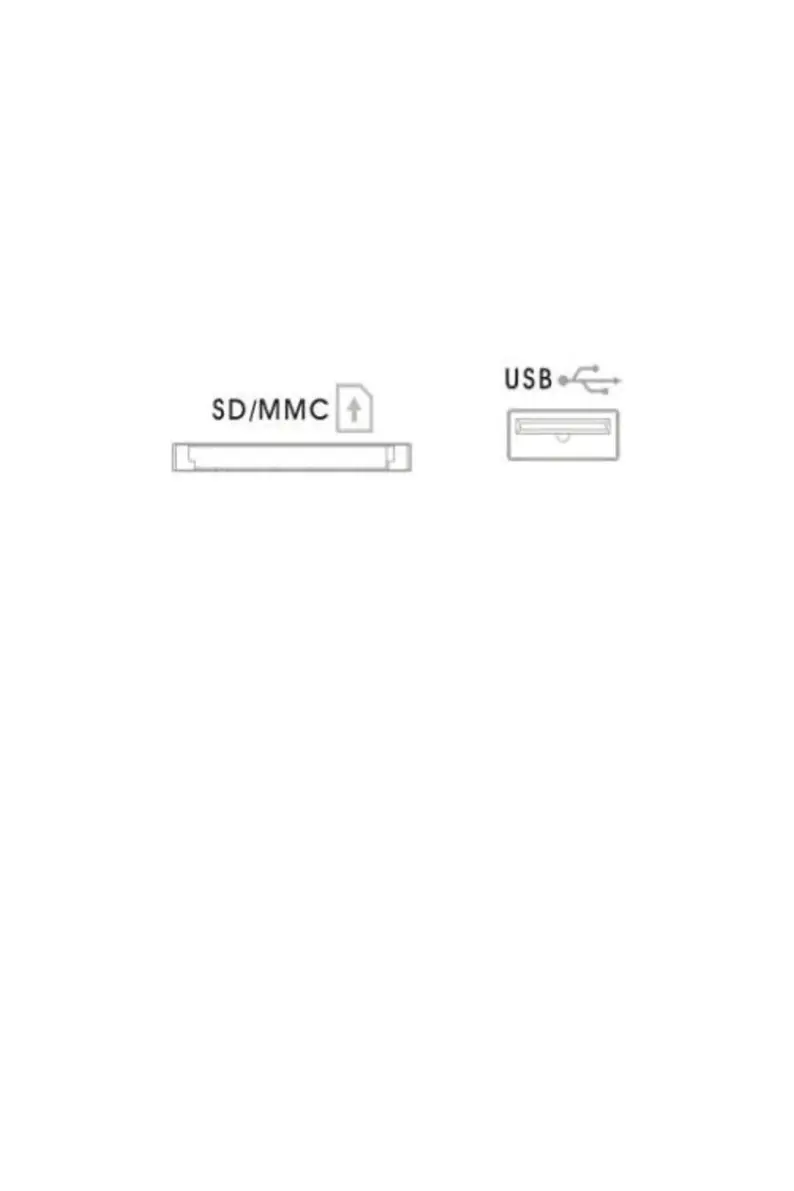
Following the illustration below, insert a USB device face up into the USB
port, making sure it is fully inserted. Alternatively, insert a memory card in the
direction of the arrow (as shown on the icon next to the memory card slot),
making sure to insert it straight without bending.
IMPORTANT: Connecting the USB device upside down or backwards could
damage the audio system or storage media (USB drive, SD or MMC card).
Check to ensure the direction is correct before connecting.
Press the CD/USB/SD button - twice for USB and three times for SD. The
system will start reading the storage medium automatically after mode
selection and will display the total number of folders and MP3/WMA files.
The system will then start audio playback from the media storage device
(USB or SD card) automatically.



 To Next Page