CAUTIONSWHENCHARGING:
1. Whenchargingthedrone,ensureitisinadry,wellventilatedareaawayfromanyheat
sourcesandexplosiveitems.
2. Whencharging,removethebatteryfromthedrone.
3. Afterflying,pleasedonotchargethebatteryif thesurfacetemperatureofthedroneis
warm.
4. Donotre‐chargethebatteryifthebatteryappearstolookswollen.
5. EnsurethattheoriginalUSBchargeleadprovidedisusedforre charging.
6. Abatterywhichhasnotbeenusedforalongtimewillloseit’schargeautomatically.
7. Chargingordischargingtoo
oftenmayreducetheuseofthebattery.
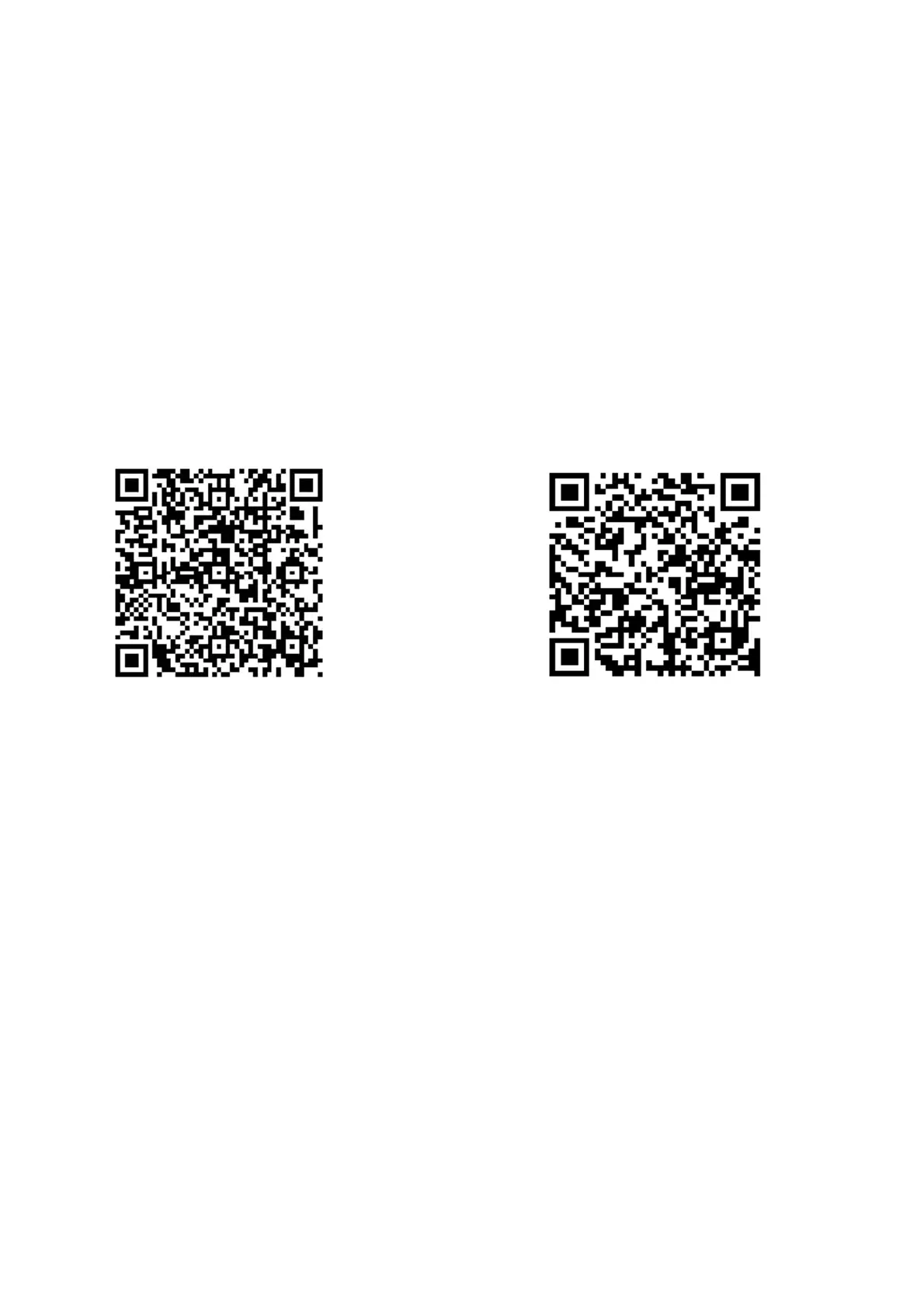
APPDOWNLOAD:
ScantheQRcodestodownloadtheapp.
GooglePlayios
Alternatively,youcansearchfortheappbysearchingforHKGPSintheappstoreorgoogleplay
storeanddownloadittoyoursmartphone.
WIFI:
1.
Oncethedroneisturnedon, accessthesettingsonyoursmartphoneandopentheWIFI
settings.
2. FindtheWIFInetworkHK‐GPS‐720P‐XX XXXandconnecttothatWIFInetwork.
3. Whentheconnectionhasbeenmadesuccessfully,exitoutofthesettingsonyoursmart
phone.


 To Next Page