27
3.3 XpressNet
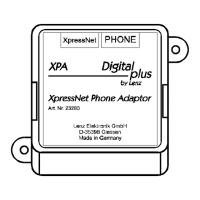
Connect the XpressNet using the second cable which is enclosed. Plug one end into
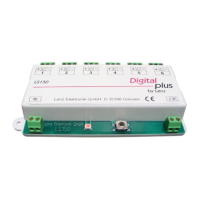
the socket "XpressNet" of the XPA and connect the other end with the terminal board
LA152.
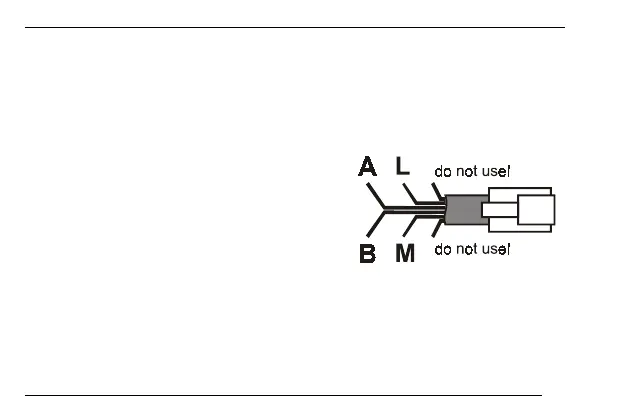
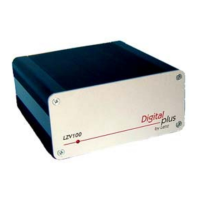
If you wish to connect the XPA with the screw
terminals LMAB of an LZ100, you will have to cut
the cable in half and connect the cable
conductors with the terminals of the LZ100. The
pin assignment is shown in the illustration on the
right.





 To Next Page