26
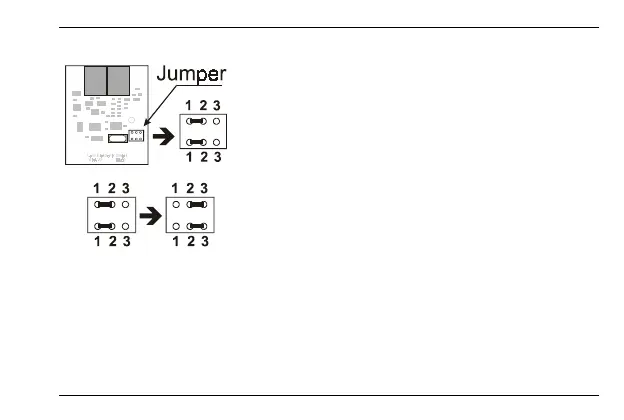
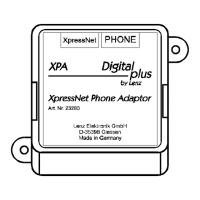
To do so, remove the casing cover of the XPA. Hold
the circuit board of the XPA as shown in the
illustration.
At the bottom right, you see a jumper. The device is
shipped with pins 1 and 2 connected at the top and
bottom.
Unplug and re-plug the jumper so that pins 2 and 3 are
connected at the top and bottom.





 To Next Page