25
3 Connection
3.1 Connecting the phone – Germany:
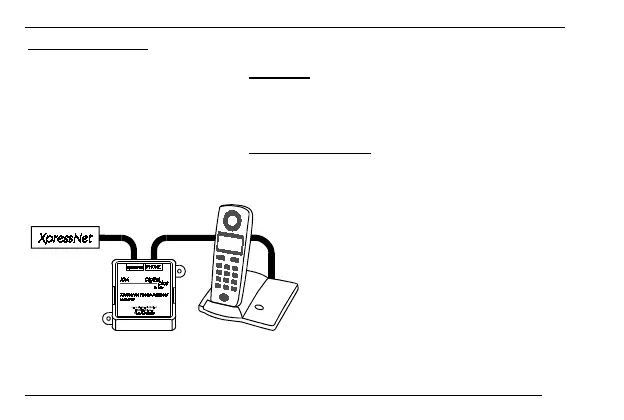
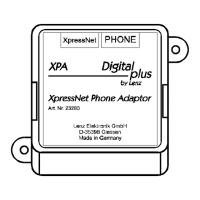
The XPA comes with a special TAE adapter to connect the phone. Plug the adapter’s
small plug into the 'PHONE' socket of the XPA and the TAE plug of the phone into the
socket of the adapter.
3.2 Connecting the phone – all other countries
Connect the 'PHONE' socket of the XPA to the base station of the phone. To do so,
use one of the cables enclosed with the XPA instead of the telephone network cable.
Please note: Phones often have
different pin assignments. If your
phone does not work when connected
as described above, you will have to
change a jumper in the XPA.





 To Next Page