29
4 Selecting a locomotive address
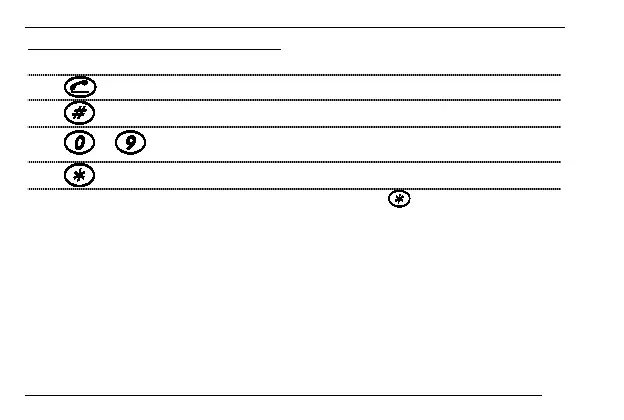
To set a locomotive address, follow these simple steps:
1.
"Answer".
2. Press "Hash".
3.
...
Enter locomotive address. Use the number keys of your
phone.
4. Press "Asterisk" .
The last 4 numbers that you typed in are used. Press to control the selected
locomotive.
The permitted range of addresses is 0 to 9999.
After answering the phone, the XPA automatically uses the locomotive address which
was selected last.
If you wish to select a different address after having controlled a locomotive, you do
not have to replace the receiver. Simply start again with Step 2 to enter a new
address.





 To Next Page