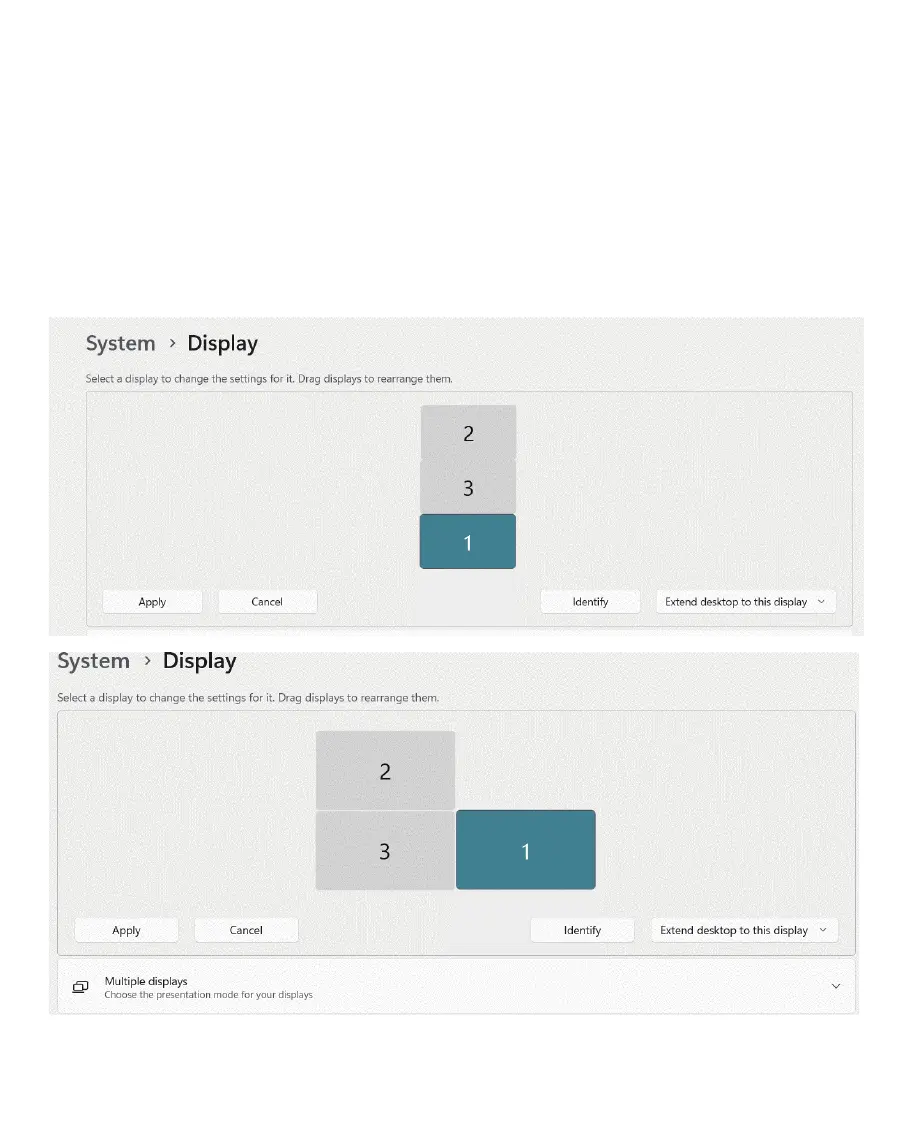
(a). For extended displays, you can drag the displays to rearrange them to match
the actual position of the monitors and click Apply to confirm your rearrangement.
“ ”
(3). Scroll down to select Duplicate these displays or Extend
these displays.
7
Note: if you are not sure the actual number for each monitor, click Identify and
the number will be showed on each monitor.
“ ”



 To Next Page