31
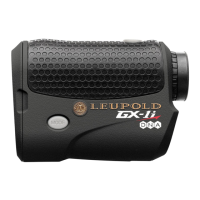
How do I Input tHe StRIkInG dIStance of tHe 8, 6 and 4-IRon?
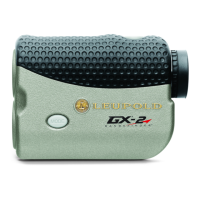
(GX-2i only)
NOTE:
Though we strongly recommend inputting the specific distances
obtained with each of the irons mentioned above, the specialized algorithms
used by the GX-2i will make logical assumptions about the remaining club(s) if
specific distances are not known for one or more of the remaining clubs.
*Reminder: You cannot input a distance value less than or equal to the previous
club. For example, if you choose 155 yards for your 8-iron, the lowest available
distance for your 6-iron will be 160 yards.
The procedure for inputting specific striking distance begins immediately after
activating the Club Selector feature. Follow steps 1-5 above, under the heading
“How Do I Activate the Club Selector?” Once the Club Selector has been
activated, press MODE and follow the steps below:
1) The 8-iron symbol will be highlighted and the last saved distance will
be shown in the upper numeric display. If you wish to input a distance
other than the one shown, proceed to step 2. To save the shown
distance for your 8-iron, press MODE and skip to step 3 below.
2) Press POWER to set the distance obtained with your 8-iron. Each
depression of POWER will increase the distance associated with your


 To Next Page
 Loading...