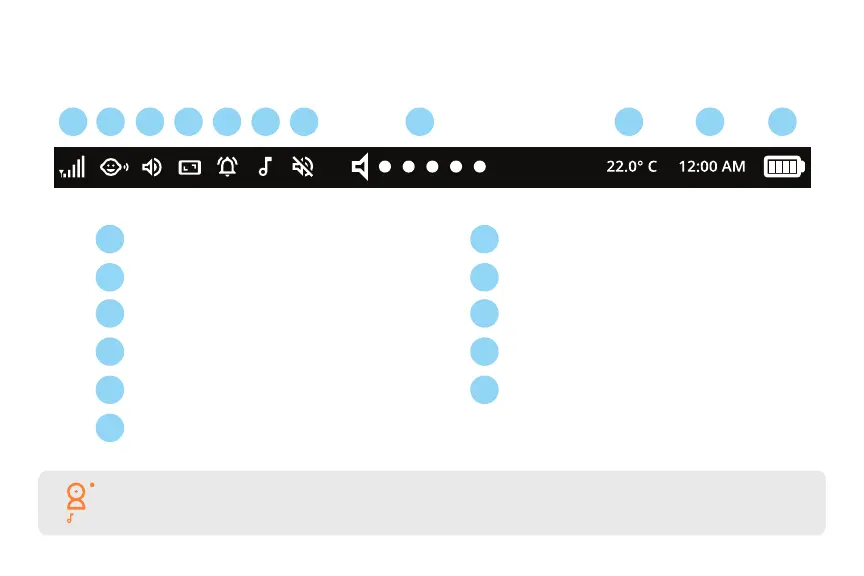
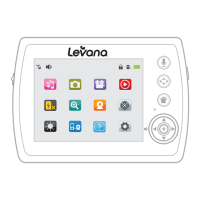
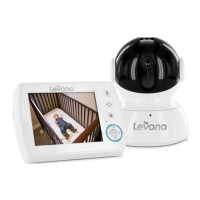
Notication Bar
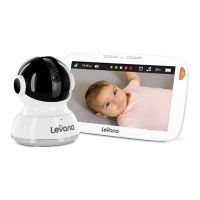
1. Signal Strength
2. Voice Activated Power Save Mode
3. Monitor Mode: Audio Only
4. Monitor Mode: Always On
5. Temperature Alert (if activated)
6. Lullaby Playing
7. Monitor Audio Muted
8. Sound Indicator (at active camera)
9. Temperature (at active camera)
10. Time
11. Battery Level
1
1 7
2 8
3 9
4 10
115
6
2 3 4 5 6 7 8 9 10 11
TIP: This icon represents the Lullaby duration you have set. The dots located beside the camera icon
indicate which paired camera you are viewing.
01:30


 To Next Page