Sequence Mode
When there are two or more
paired cameras, your monitor
can cycle through each camera
on full screen every 5 seconds.
Multi-Camera Views
Split and Quad Screen allows you to
see up to four cameras at once.
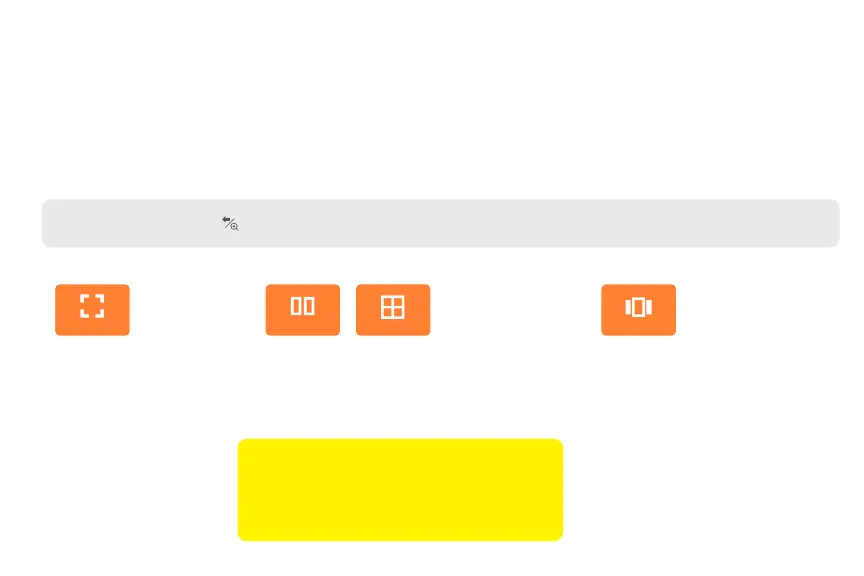
Full Screen View
This mode allows you
to see one camera in
full-screen view.
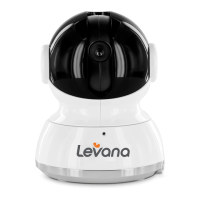
Using Your Mila Baby Monitor
Viewing Modes
Navigate to the Menu and select Viewing Modes. Please note that Multi-Camera Views require
two or more paired cameras.
Full Screen Split Screen Quad Screen Sequence Mode
TIP: Press and hold the button to switch cameras when there are two or more cameras paired to your monitor.
IMPORTANT: The camera with an orange
border is the Active camera. This means the
audio, pan & tilt functions, and Talk to Baby™
are active for this camera only.


 To Next Page