Hardware Manual
13
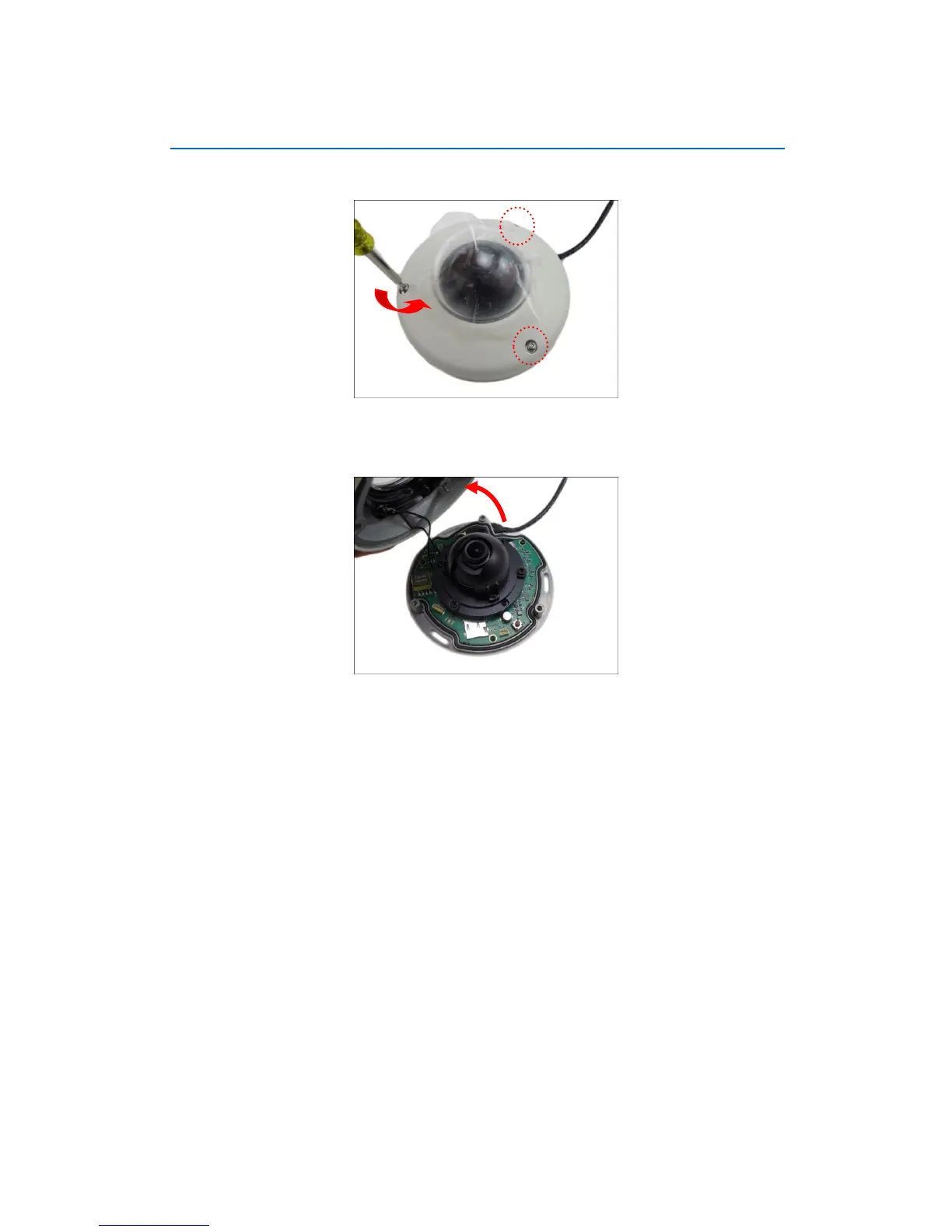
Step 2: Open the Dome Cover
1. Loosen the three (3) screws using the bundled hex screwdriver.
2. Lift to remove the dome cover.
NOTE:
The dome cover is attached to the camera body by a string, do not abruptly lift the
dome cover!
A desiccant bag is attached underneath the dome cover. DO NOT remove the
desiccant bag to keep the camera interior parts dry.















 To Next Page