Hardware Manual
23
How to Connect Audio In Device
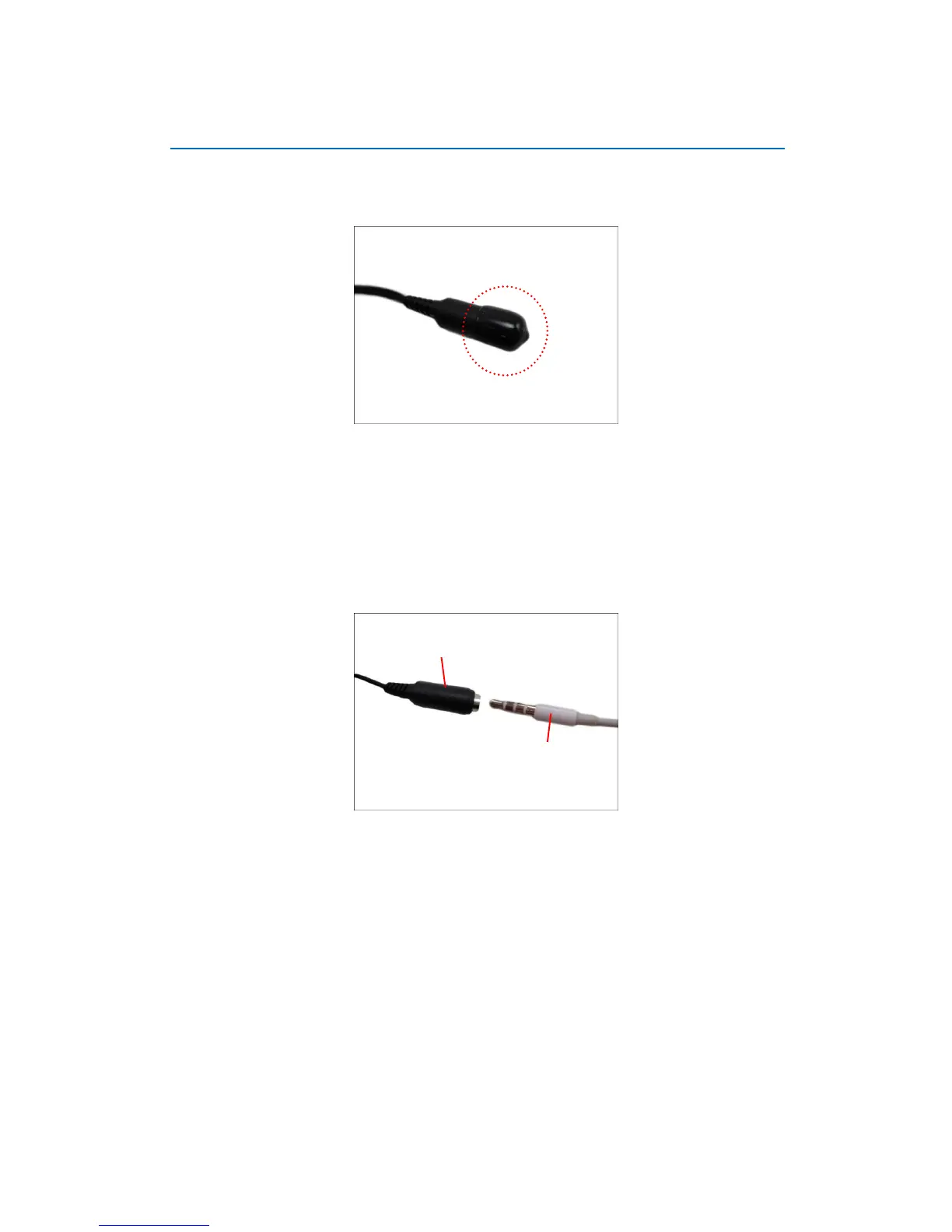
The camera comes with an audio jack where an audio input device, such as a microphone with a
built-in amplifier, can be connected. The audio-in jack is covered by a rubber protection.
WARNING: Do not remove this rubber protection if the audio-in jack will not be used to ensure it
remains waterproof.
To connect an audio input device, do the following:
1. Pull to remove the rubber protection.
2. Connect the audio input device.
NOTE: The microphone must have a built-in amplifier. Connecting an ordinary microphone
will dwarf sounds and will result in inaudible recording.
3. If the camera is installed outdoors, be sure to wrap the audio connectors with Waterproof
Tape (can be purchased in hardware stores).
DISCLAIMER: LevelOne will not be responsible for camera damage due by water leakage
caused by improper waterproofing of cables.















 To Next Page