Network Camera User’s Manual
50/66
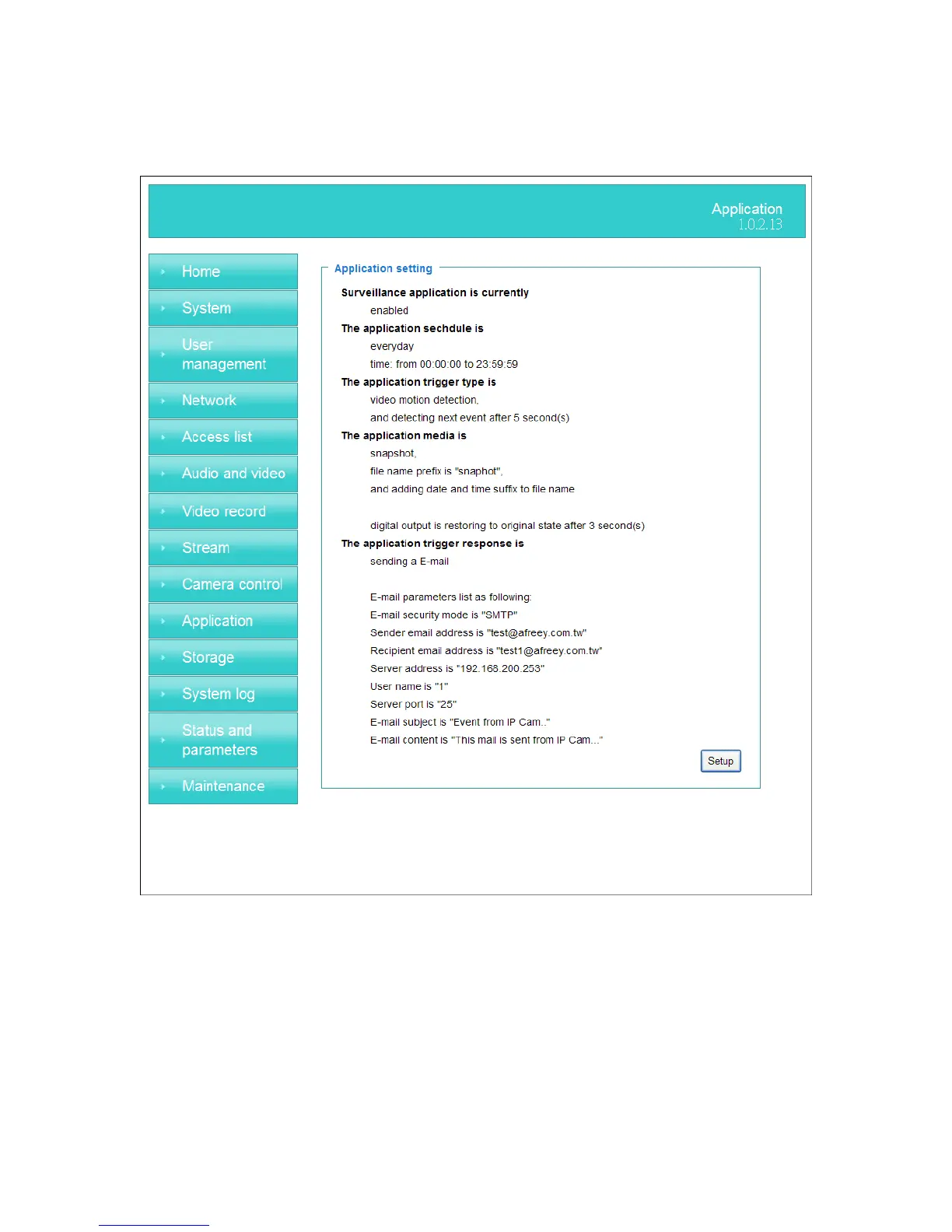
Application
Schedule mode
(1) “Every day” Enable/Disable every day application.
(2) “Week day” Enable/Disable week day application.
(3) “Selected day” Enable/Disable selected day application.
Schedule information
(1) Enter the “Start time” and “Stop time” for day mode.
Note that the time format is [hh:mm:ss] and is expressed in 24-hour clock time. By
default, the start and end time of day mode are set to 01:00:00 and 23:59:59.
(2) “Sun”/“Mon”/“Tue”/“Wed”/“Thu”/“Fri”/“Sat” Select the days of the



 To Next Page