11a/b/g Wireless Multi-Client Bridge/AP/WDS Version 1.0
18
3.2.1.1 Save Configuration to a File
This option allows you to save the current configuration of the device into a file. Click
on the Save Configuration button to begin.
3.2.1.2 Restore the Configuration from a File
This option allows you to restore a backup configuration from a file to the device.
Click on the Browse button to select the file and then click on Restore
Configuration from a File button.
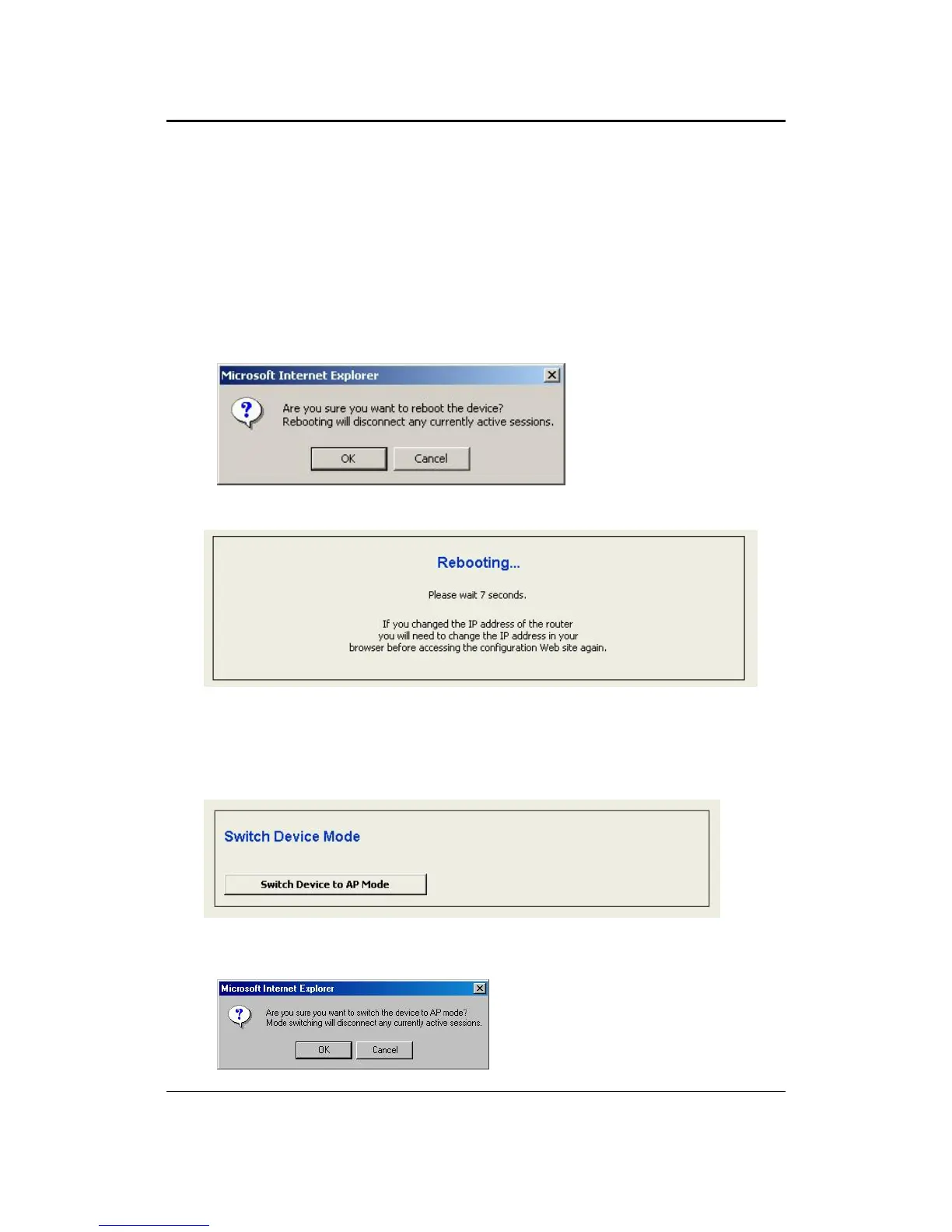
The system then prompts you to reboot the device.
Click on the OK button to continue. You will then see the Rebooting page.
Please wait while the system is rebooting.
Note: Do no un-plug the device during this process as this may cause permanent
damage.
3.2.1.3 Switch Device to AP Mode
Click on the Switch Device to AP Mode and then you will see a confirmation dialog
box. Click on the OK button to continue.



 To Next Page