11a/b/g Wireless Multi-Client Bridge/AP/WDS Version 1.0
41
4.2.3.1 System Reboot
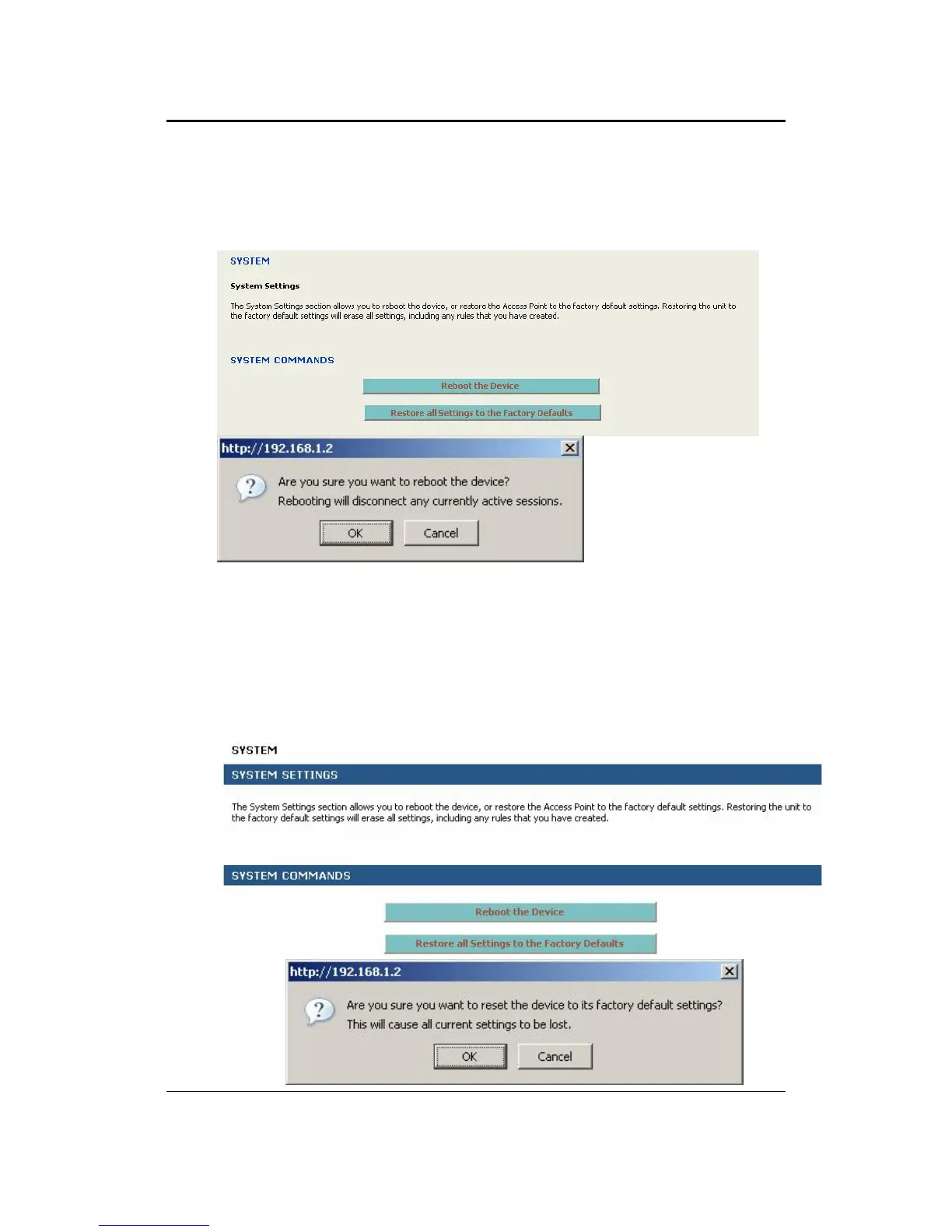
Click on the Reboot the Device button to reboot the device using its current settings.
Once the dialog box appears, click on the OK button to confirm the action.
4.2.3.2 Restore Settings to Default
Click on the Restore all Settings to Factory Defaults button. This option restores al
configuration settings back to the settings that were in effect at the time when the
device was shipped from the factory. Once the dialog box appears, click on the OK
button to confirm the action.
Note: The current settings will be lost. After rebooting, device will start on the default
of AP mode.



 To Next Page