PC Configuration
57
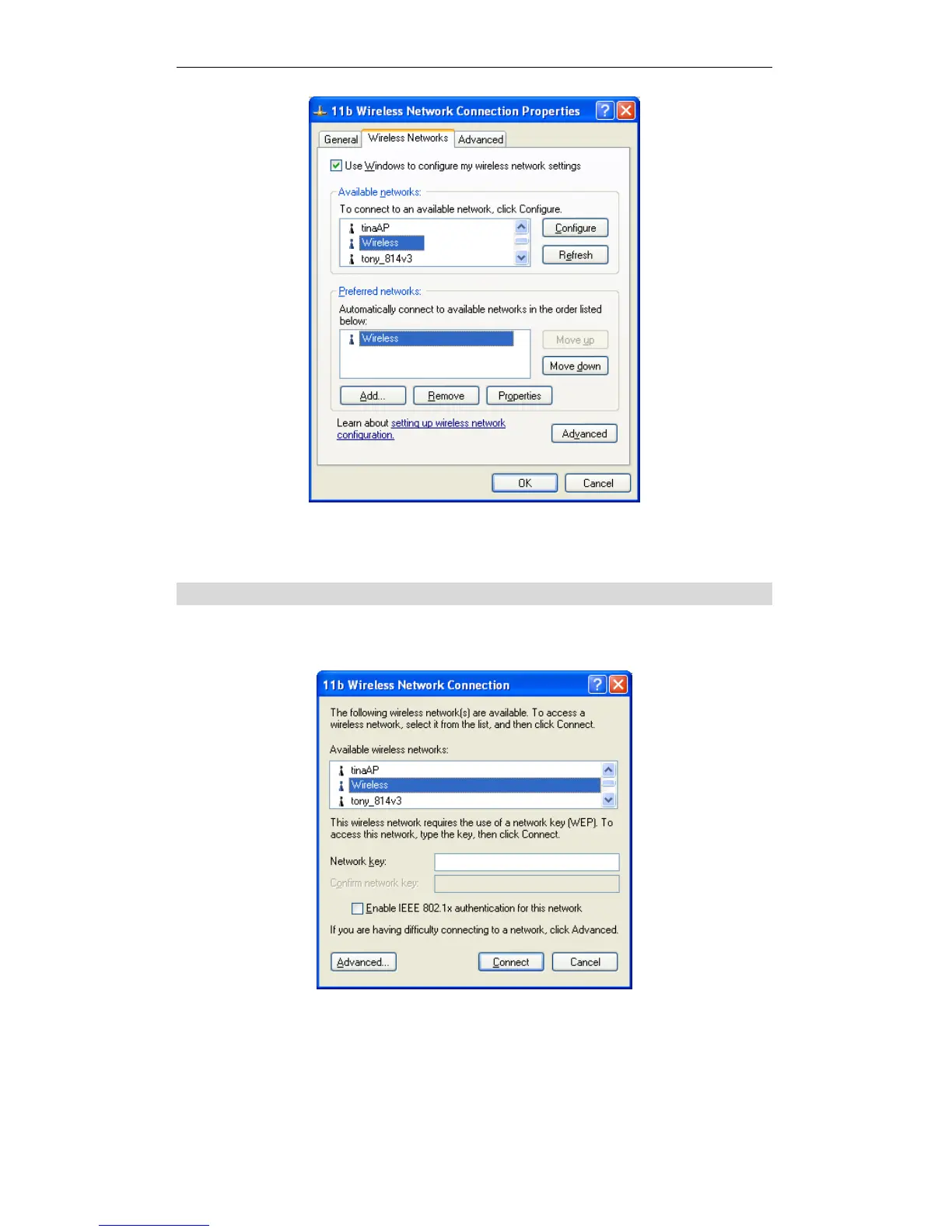
Preferred Networks
Click OK to establish a connection to the Wireless Router.
If the SSID is not listed
If the "Broadcast SSID" setting on the Wireless Router has been disabled, its SSID
will NOT be listed on the screen below.
Wireless Networks (Windows XP)
In this situation, you need to obtain the SSID from your network administrator, then
follow this procedure:
1. Click the Advanced button to see a screen like the example below.















 To Next Page