EasyManua.ls Logo

Leviton MC7008 - User Manual

Leviton MC7008
12 pages
Print Icon
To Next Page IconTo Next Page
Loading...
Page 1 PK-93130-00-01-1A
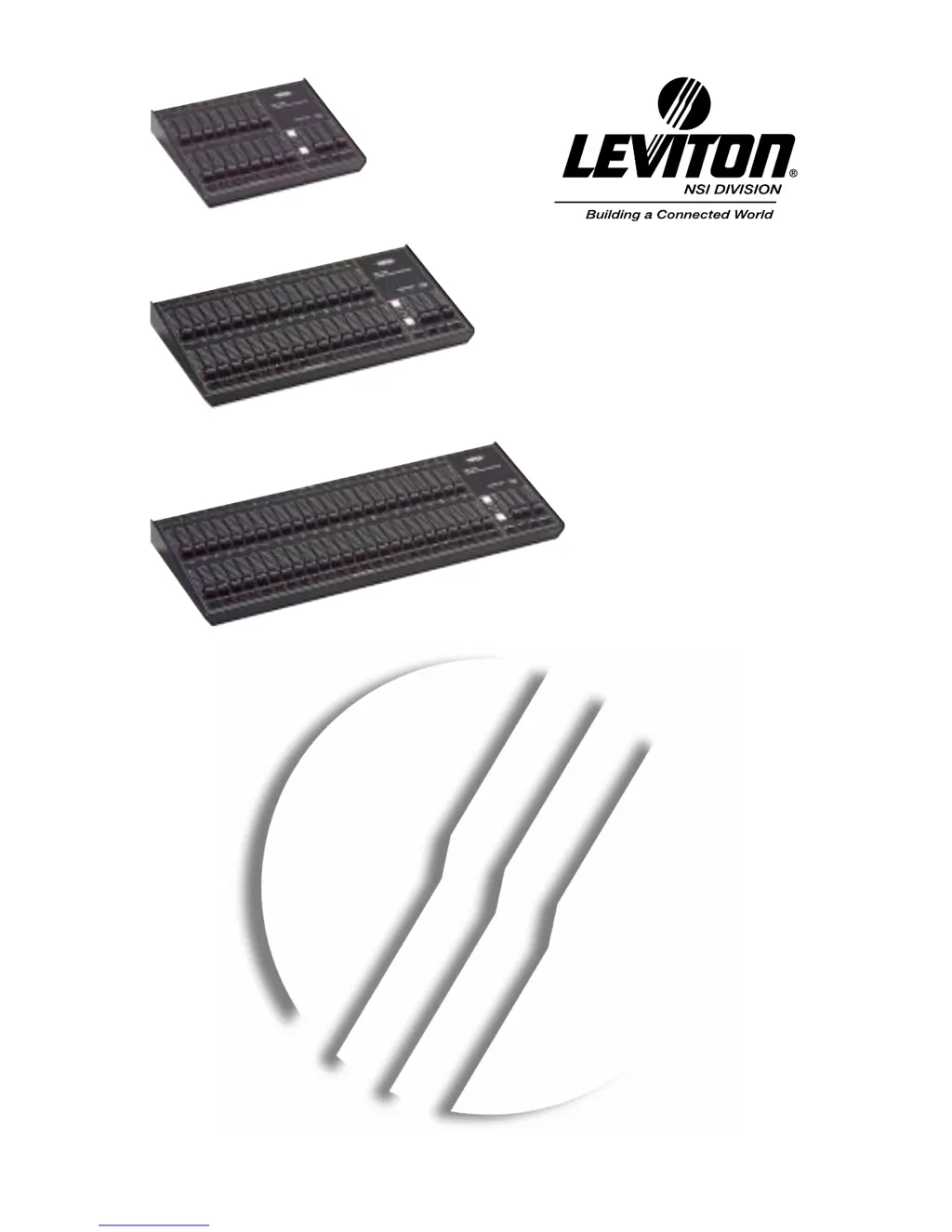
MC 7008 / MC 7016 / MC 7024
MEMORY LIGHTING CONTROLLERS
USER GUIDE
Software Revision 1.00 and above
Document Revised: 8-30-02
Copyright 1994, 2002
Leviton Manufacturing Co., Inc.
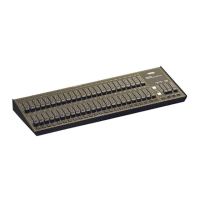
MC 7008
MC 7016
MC 7024

Questions and Answers

  • E
    Ebony BrennanJul 30, 2025
    What to do if stage lights are ON but not responding on Leviton MC7008 Controller?
    • E
      Eric NguyenJul 30, 2025
      If your stage lights are on but not responding or responding erratically with your Leviton Controller, consider the following: 1. Ensure that the dimmer packs are programmed correctly. Dimmer packs programmed for channels higher than 32 (or 16) will not respond to the controller. 2. Check for a bad control cable by replacing it. 3. The dimmer pack itself may be defective. 4. If the microphone cable exceeds 100 feet, using a heavier gauge (18 ga.) cable or adding an additional power supply at the console may be necessary to compensate for power loss over the cable's length.
  • A
    Amanda HuangAug 4, 2025
    What to do if chase functions do not work on Leviton MC7008?
    • J
      Jennifer HarrisAug 4, 2025
      If the chase functions are not working on your Leviton Controller, ensure that a rate has been established using the Tap Sync button. The rate is indicated by the flashing LED located directly above the Tap Sync button.
  • C
    Clifford GuzmanAug 9, 2025
    What to do if Scene X or Scene Y slide controls have no effect on Leviton MC7008?
    • H
      howardsinghAug 9, 2025
      If the Scene X or Scene Y slide controls have no effect on channel levels, make sure that the X or Y Crossfader is not in its minimum position.
  • E
    Edward WilliamsAug 14, 2025
    Why Channel Level LEDs do not respond on Leviton Controller?
    • B
      bookerbrandyAug 14, 2025
      If the Channel Level LEDs do not respond, check to see if the 1 x 16 (1 x 32) [1 x 48] mode is selected. Since all channels cannot be viewed, the LEDs are disabled in this mode.
  • M
    Michelle LeeAug 18, 2025
    What causes erratic operation when a particular fade is up on Leviton MC7008 Controller?
    • B
      brandonhendersonAug 19, 2025
      Erratic operation when a particular fade is up is caused by a defective fader.
  • G
    Gail ShepardAug 25, 2025
    Why channel comes ON when adjacent fader is up on Leviton Controller?
    • C
      Charles CarrAug 25, 2025
      If a channel comes ON when an adjacent fader is up, the fader is defective.

Summary

Specifications

Installation and Setup

Power Supply Requirements

Details the required 12-15 volt DC power supply (at least 200 MA) for satisfactory operation.

Dimmer Equipment Connection

Explains how to connect the console to Leviton-NSI dimming equipment using standard 3-conductor audio cables.

Operation Guide

Programming Control Functions

Scene Masters Programming

Details how to program Scene Masters in the 8x8 mode using Scene X levels and Bump buttons.

Flash Scenes Programming

Explains how to program Bump buttons as Flash Scenes to control channel combinations in the 1x16 mode.

Chase Programming

Provides step-by-step instructions for programming the two Chase effects, including channel selection and step storage.

Optional DMX512 Installation

Troubleshooting

Leviton MC7008 Specifications

General IconGeneral
Dimensions4.63" H x 2.75" W x 1.5" D
CategoryController
Sub CategoryModular Controller
Voltage Rating120 VAC
Operating Temperature32°F to 104°F (0°C to 40°C)

Related product manuals