9
Press the AUTO button
to activate the automatic
humidifying mode. The unit
will automatically diuse
cool mist based on the
surrounding environment and
will maintain environmental
humidity from 55-68% RH (the
unit will run continuously if the
humidity is below 54% RH and
will stop when it reaches 68%
RH). The table below shows
the mist level in correlation to
the relative humidity level for
Auto Mode.
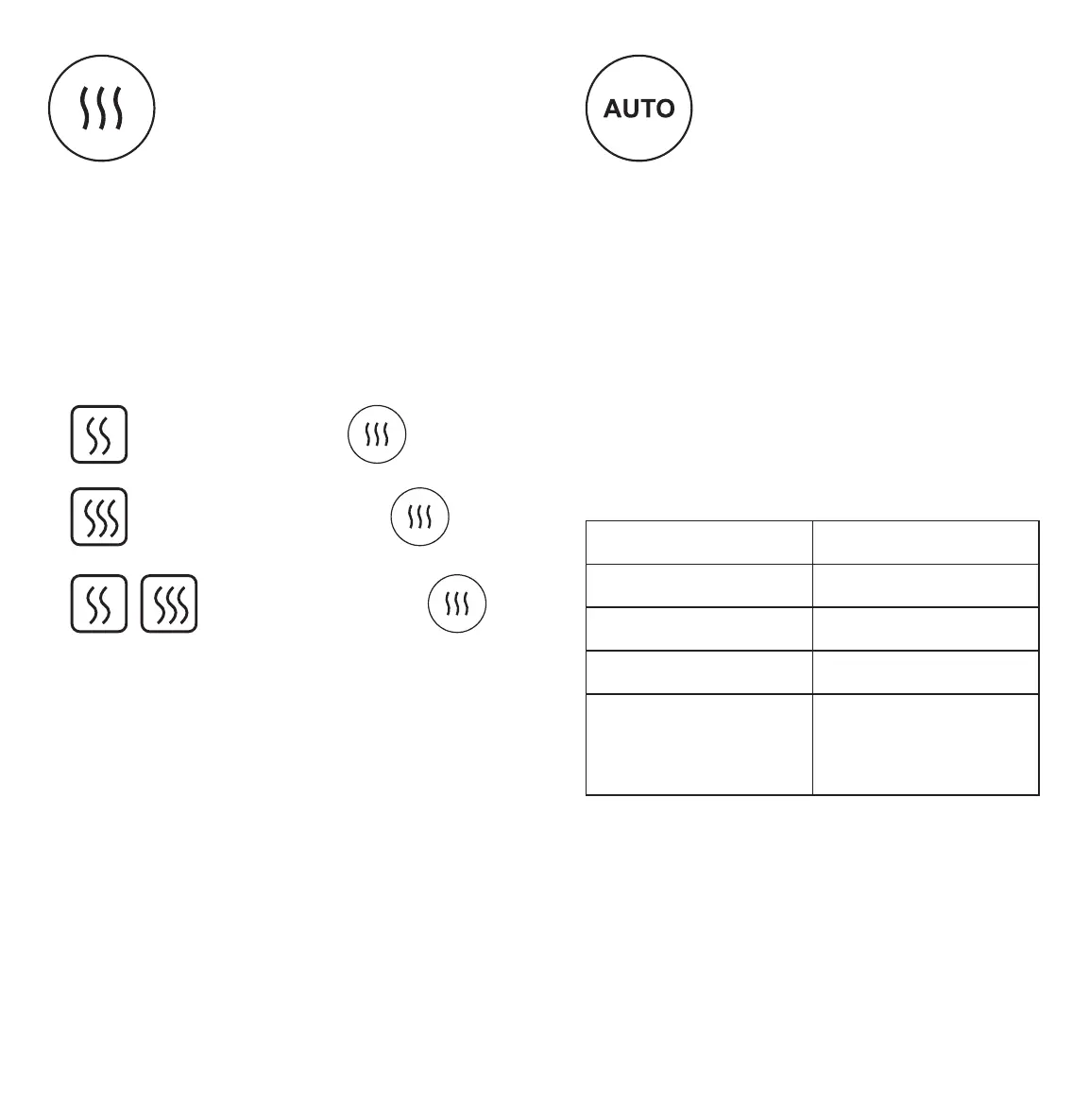
Press the Warm Mist button to
have the humidifier generate
a gentle stream of warm
mist for your living space.
While using this function, the
humidifier heats the water before diusing
it into the air, killing any waterborne
bacteria or germs. There are three settings
for the Warm mist function, which are
noted below. Press the Warm Mist button
four times to turn o this function.
NOTE:
• Use caution when setting the Warm mist
function; the mist being diused is hot.
• The humidifier will default to diusing cool
mist when the warm mist function is not
activated.
NOTE:
• Changing either the warm or cool mist levels
while on AUTO mode will cancel the AUTO
mode function.
• The timer can be set while the device is on
AUTO mode.
• Low setting, press once.
• Medium setting, press twice.
• High setting, press
three times.
Relative Humidity Mist Level
< 60% RH Mist level 3
60%-63% RH Mist level 2
64%-67% RH Mist level 1
> 68%RH
Humidifier
automatically shuts
o.





 To Next Page