EN
QUICK START GUIDE
Working with VeSync
Note:
• We recommend using purified or distilled water.
• Do not pour water into the base chamber.
• Change water daily to avoid bacteria growth.
Note: If your humidifier isn’t misting:
• Make sure there is water in the tank.
• In Auto Mode, the humidifier will not mist if the humidity level is above 60%.
To continue misting, turn off Auto Mode and manually adjust the mist level.
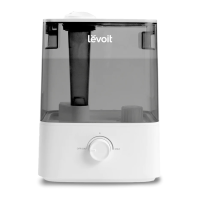
1. Place the humidifier on a hard, flat surface. Remove the water tank cover. Use
the handle to lift the water tank from the base. [Figure 1.1]
2. Fill tank with water, place it back on the base, and replace the water tank
cover. [Figure 1.2]
1. To download the VeSync app, scan the QR code or search “VeSync” in
the Apple App Store® or Google Play Store.
2. Open the VeSync app. Log In or Sign Up.
3. Follow the in-app instructions to finish setting up your smart humidifier.
Figure 1.1
Figure 1.2
3. Plug in your humidifier. Tap to turn on the humidifier, then use
the controls to adjust the mist.
Smart
Control
Voice
Control
Auto
Mode
Add Water
Reminder
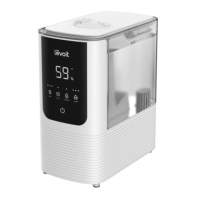
OasisMist™
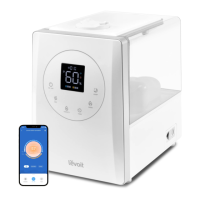
Smart Humidifier

 Need help?
 General




 To Next Page