4
4. User interface
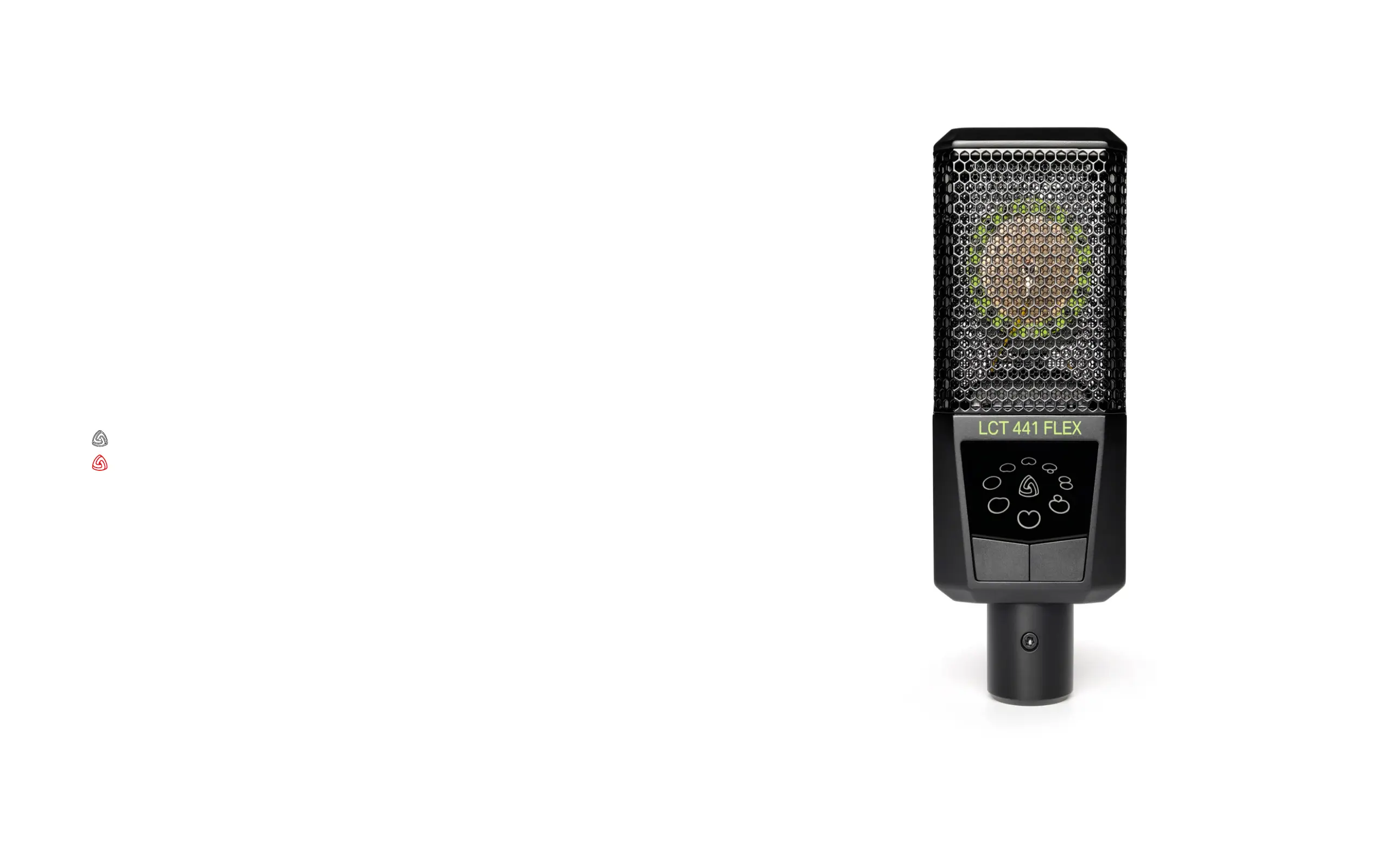
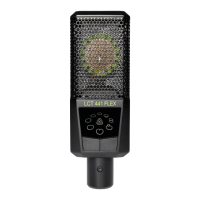
// Polar pattern
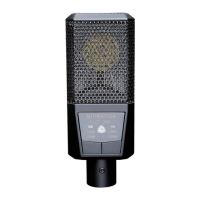
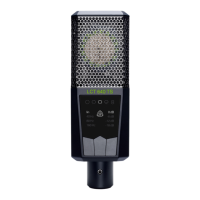
Push the button to change the polar pattern; right button to go clockwise,
left button to go counter clockwise.
// Available polar patterns
Omni, wide cardioid, cardioid, supercardioid, gure-8, reverse wide cardioid,
reverse cardioid, reverse supercardioid.
// Key-lock
Press and hold any button for 2 seconds to make the buttons inactive and prevent
accidental changes. Repeat to unlock.
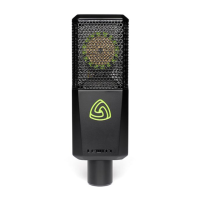
// Status indicator
Standard operation
Clipping occurs
Not illuminated: key-lock active
// LED check
Press the left button for more than 5 seconds to trigger a LED animation, press
any button to exit.
// Random mode
Press the right button for more than 5 seconds to trigger a random selection of
a polar pattern. Can be used as a game or decision maker.


 To Next Page