6 Remove the ADF lift tray. See “ADF lift tray removal” on page 594.
7 Disconnect the cable from the controller board.
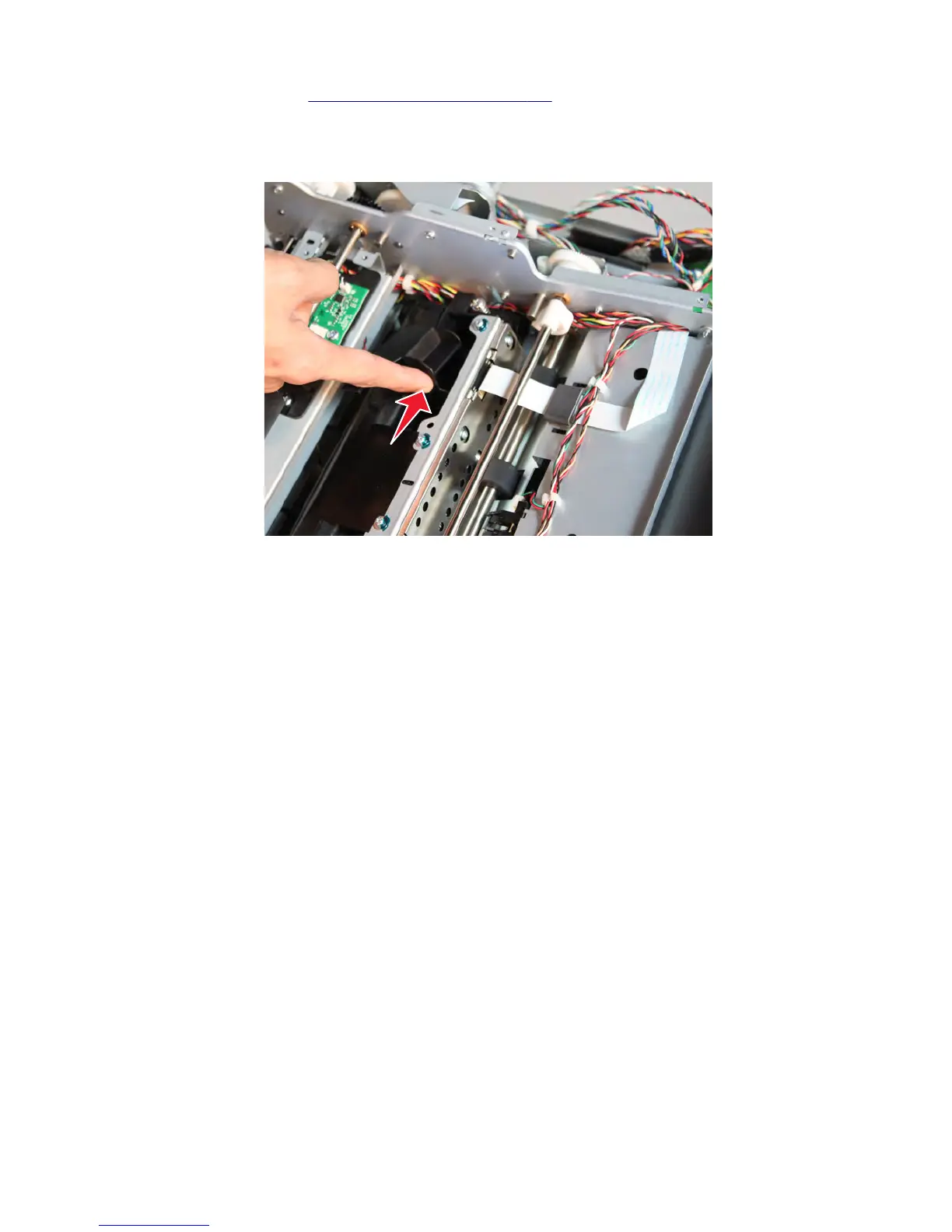
8 Push the sensor to remove.
Sensor (ADF pick) removal
1 Open the ADF top cover.
2 Remove the separation guide.
3 Remove the ADF separator roll.
4 Disconnect the cable from the sensor.
7463
Repair information
622



 To Next Page