3 Remove the flatbed left cover. See “Flatbed scanner left cover removal topic” on page 633.
4 Remove the flatbed right cover. See “Flatbed scanner right cover removal” on page 634.
5 Remove the flatbed front cover. See “Flatbed scanner front cover removal” on page 630.
6 Remove the flatbed scanner glass. See “Flatbed scanner glass removal” on page 641.
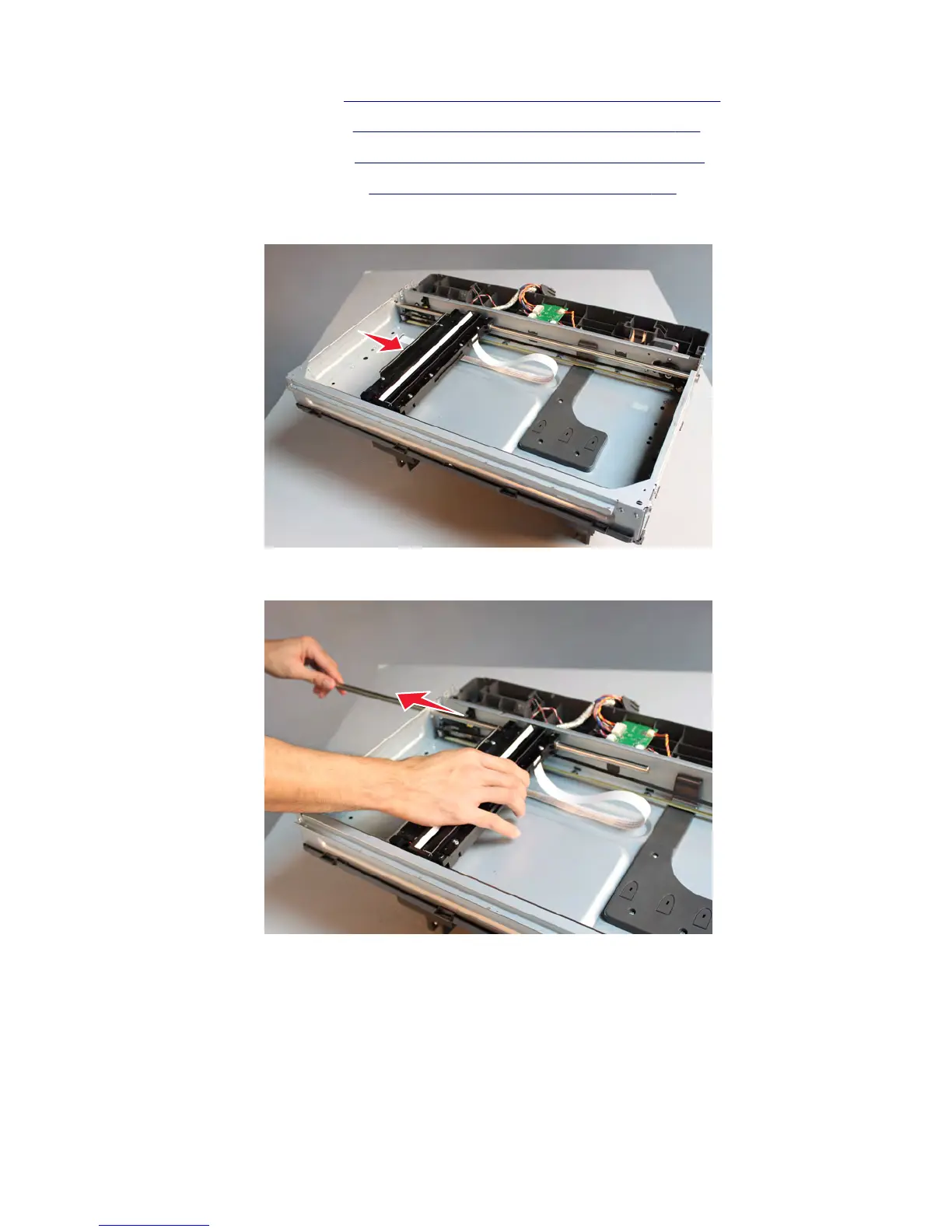
7 Push the CCD towards the middle of the assembly.
8 Remove the shaft supporting the flatbed CCD scanner.
7463
Repair information
635



 To Next Page