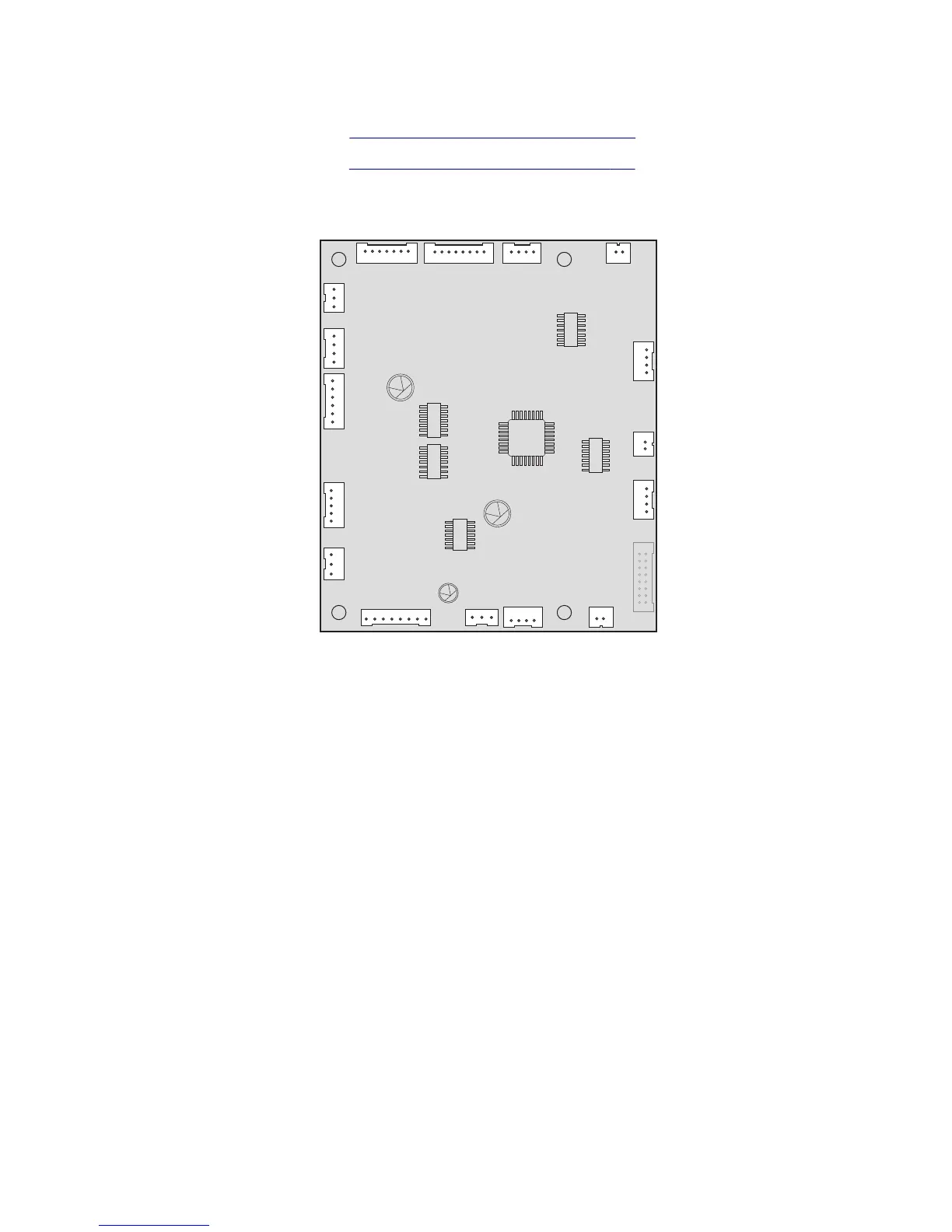
Mailbox controller board removal
1 Remove the mailbox top cover. See “Mailbox top cover removal” on page 791.
2 Remove the mailbox left cover. See “Mailbox left cover removal” on page 798.
3 Disconnect all cables (J1B, J5, J4D, J2A, J4C, J2B, J4B, J2C, J4A, J8, J1A, J3B, J7, J6, J12, and J3T), and then remove
the two screws (A) from the controller board.
7463
Repair information
809



 To Next Page