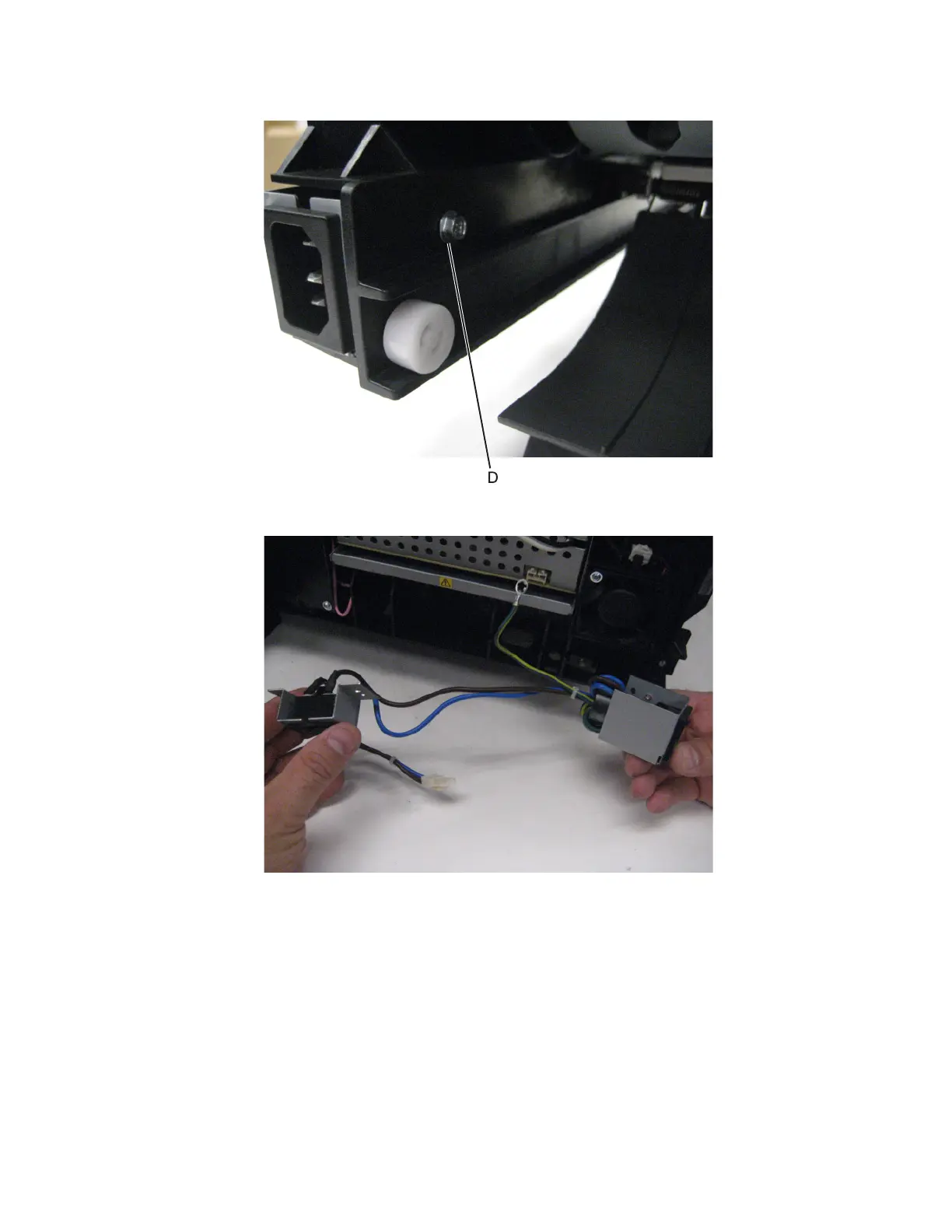
7 Remove the screw (D) securing the bracket to the machine.
8 Remove the power switch.
Control panel removals
• “10‑inch display removal” on page 409
• “10‑inch display (MX81x) removal” on page 413
• “Control panel removal (MX71x)” on page 414
• “Control panel removal (MX81x)” on page 417
• “Control panel board removal (MX71x)” on page 421
• “Control panel board removal (MX81x)” on page 422
7463
Repair information
408



 To Next Page