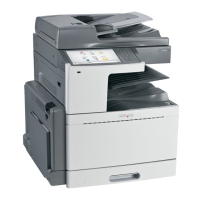
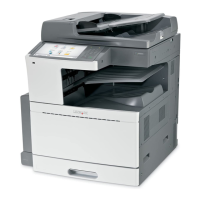
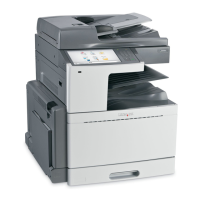
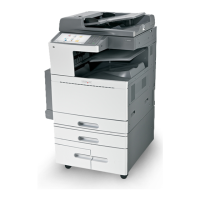
4 Optional 2,000‑sheet tandem‑tray module
• 850‑sheet tray (Tray 3)
• 1,150‑sheet tray (Tray 4)
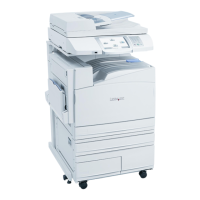
Fully configured model
1
2
1 Finisher bin
The finisher bin can either be one of the following:
• Standard finisher (Punch/Stapler)
• Booklet finisher (Punch/Stapler/Booklet)
2 2,000‑sheet high‑capacity feeder
Basic functions of the scanner
The scanner provides copy, fax, and scan-to-network capability for large workgroups. You can:
• Make quick copies, or change the settings on the printer control panel to perform specific copy jobs.
• Send a fax using the printer control panel.
• Send a fax to multiple fax destinations at the same time.
• Scan documents and send them to your computer, an e-mail address, a flash drive, or an FTP destination.
• Scan documents and send them to another printer (PDF by way of FTP).
Learning about the printer 21


 To Next Page