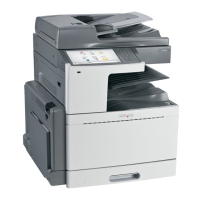
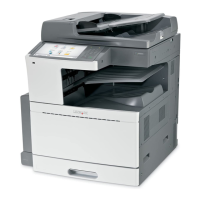
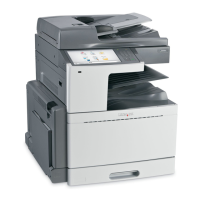
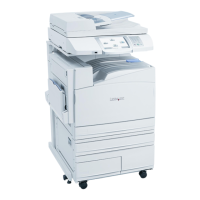
Loading the standard or optional 520‑sheet tray
The printer has one standard 520‑sheet tray (Tray 1), and may have one or more optional 520‑sheet trays. All 520‑sheet
trays support the same paper sizes and types.
CAUTION—POTENTIAL INJURY: To reduce the risk of equipment instability, load each paper drawer or tray
separately. Keep all other drawers or trays closed until needed.
1 Pull the tray out.
Notice the size indicators at the bottom of the tray. Use these indicators to help position the length and width
guides.
Loading paper and specialty media 72


 To Next Page