372
3-2. Using the audio system
CT200h_OM_OM76066U_(U)
Adjusting sound quality and volume balance
■ Changing sound quality modes
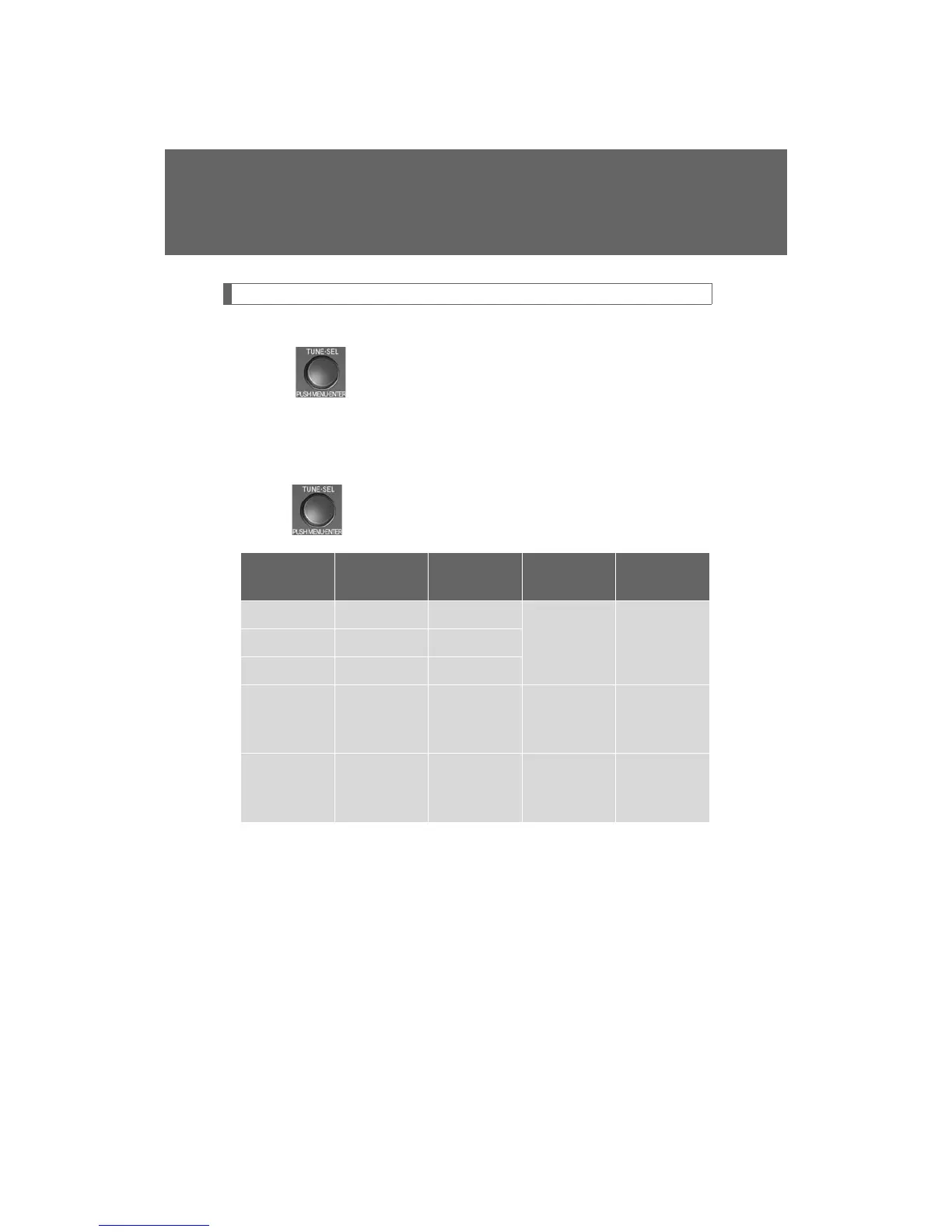
Press .
Pressing the button changes sound modes in the following order:
“BAS” “MID” “TRE” “FAD” “BAL” “A S L”
■ Adjusting sound quality
Turning adjusts the level.
*: The sound quality level is adjusted individually in each audio mode.
Mode
displayed
Sound
quality mode
Level
Turn counter-
clockwise
Tu r n
clockwise
“BAS” Bass* -5 to 5
Low High“MID” Mid-range* -5 to 5
“TRE” Tr e b l e * -5 to 5
“FAD”
Front/rear
volume
balance
F7 to R7 Shifts to rear Shifts to front
“BAL”
Left/right
volume
balance
L7 to R7 Shifts to left Shifts to right














 To Next Page