257
4
4-5. Using the driving support systems
Driving
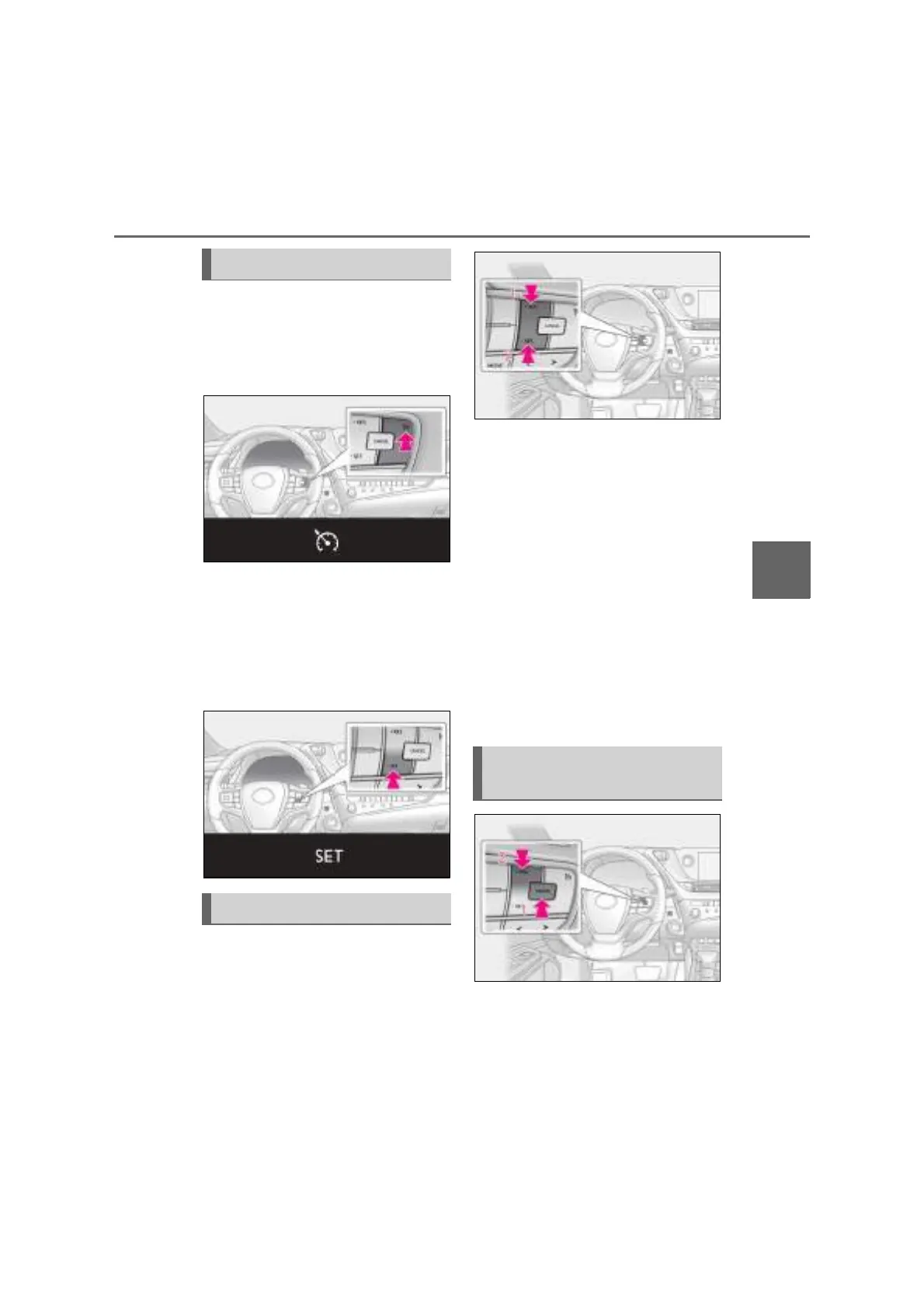
1 Press the cruise control main switch
to activate the cruise control.
Cruise control indicator will come on.
Press the switch again to deactivate the
cruise control.
2 Accelerate or decelerate the vehi-
cle to the desired speed, and press
the -SET switch to set the speed.
Cruise control “SET” indicator will come
on.
The vehicle speed at the moment the
switch is released becomes the set speed.
To change the set speed, press the
+RES or -SET switch until the desired
set speed is obtained.
1 Increases the speed
2 Decreases the speed
Fine adjustment: Press the switch.
Large adjustment: Press and hold switch.
The set speed will be increased or
decreased as follows:
Fine adjustment: By approximately 1 km/h
(0.6 mph)
*1
or 1 mph (1.6 km/h)
*2
each
time the switch is pressed.
Large adjustment: The set speed can be
increased or decreased continually until
the switch is released.
*1
: When the set speed is shown in “km/h”
*2
: When the set speed is shown in “MPH”
1 Pressing the cancel switch cancels
the constant speed control.
The speed setting is also canceled when
the brakes are applied.
Setting the vehicle speed
Adjusting the set speed
Canceling and resuming the
constant speed control



 To Next Page