AIR CONDITIONING AND AUDIO
146
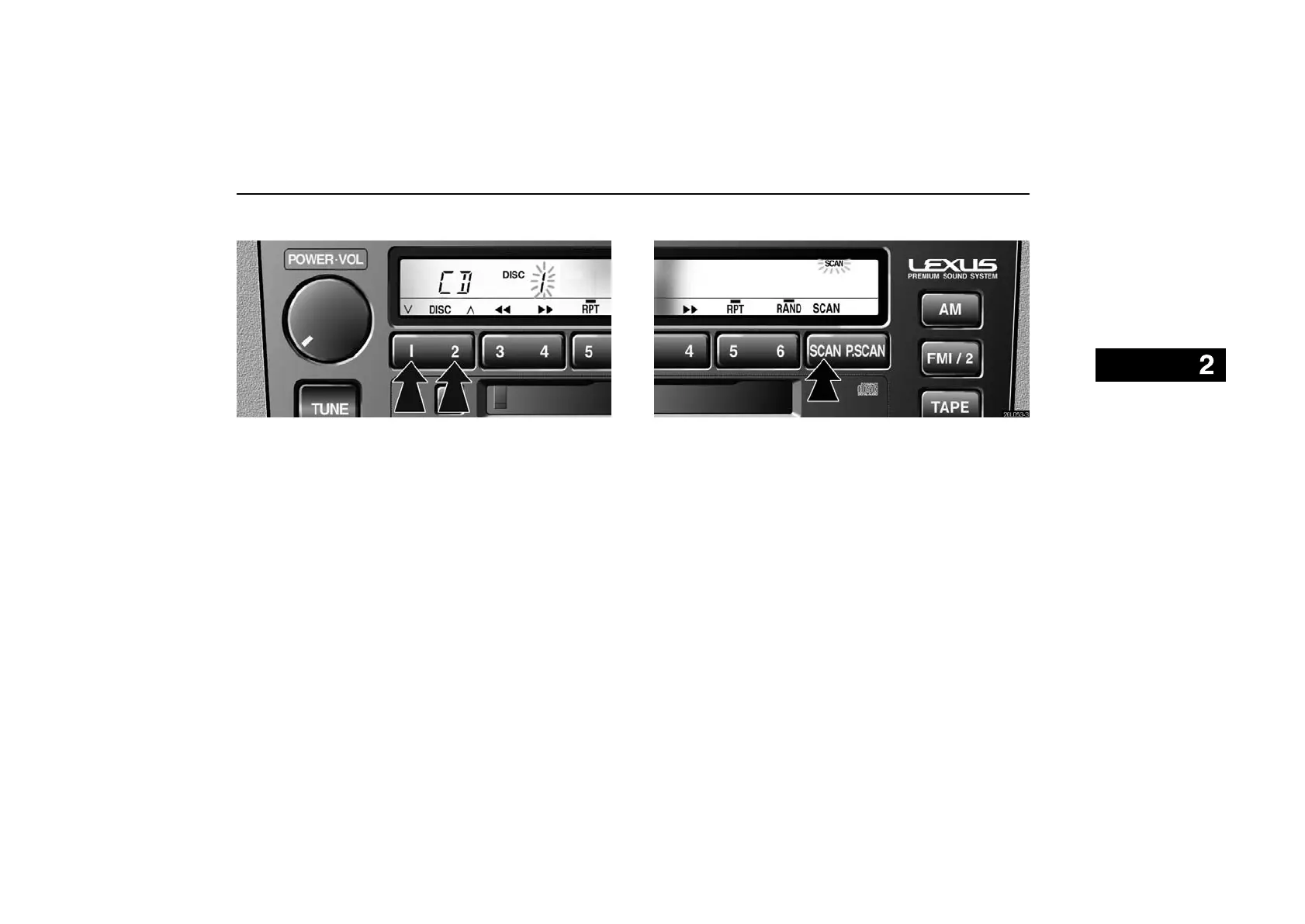
(c) Selecting a desired disc
20L025-1
Push the ”DISC” button to select the disc number.
Push the button and hold it until the desired disc number appears on
the display. When you release the button, the player will start
playing the selected disc from the first track.
(d) Searching for a desired track
20L053-3
Push the ”SCAN” button briefly.
”SCAN” will appear on the display. The compact disc player will
play the next track for 10 seconds, then scan again. To select a track,
push the ”SCAN” button a second time. If the player reaches the end
of the disc, it will continue scanning at track 1.
After all the tracks are scanned in one pass, normal play resumes.



 To Next Page