545
3-5. Using the hands-free system (for cellular phone)
3
Interior features
LS460_EE
Removing a Bluetooth
®
phone
Display the “Telephone settings” screen. (P. 540)
Touch “Manage telephone” on the “Telephone settings”
screen.
Touch “Options” on the “Connect telephone” screen.
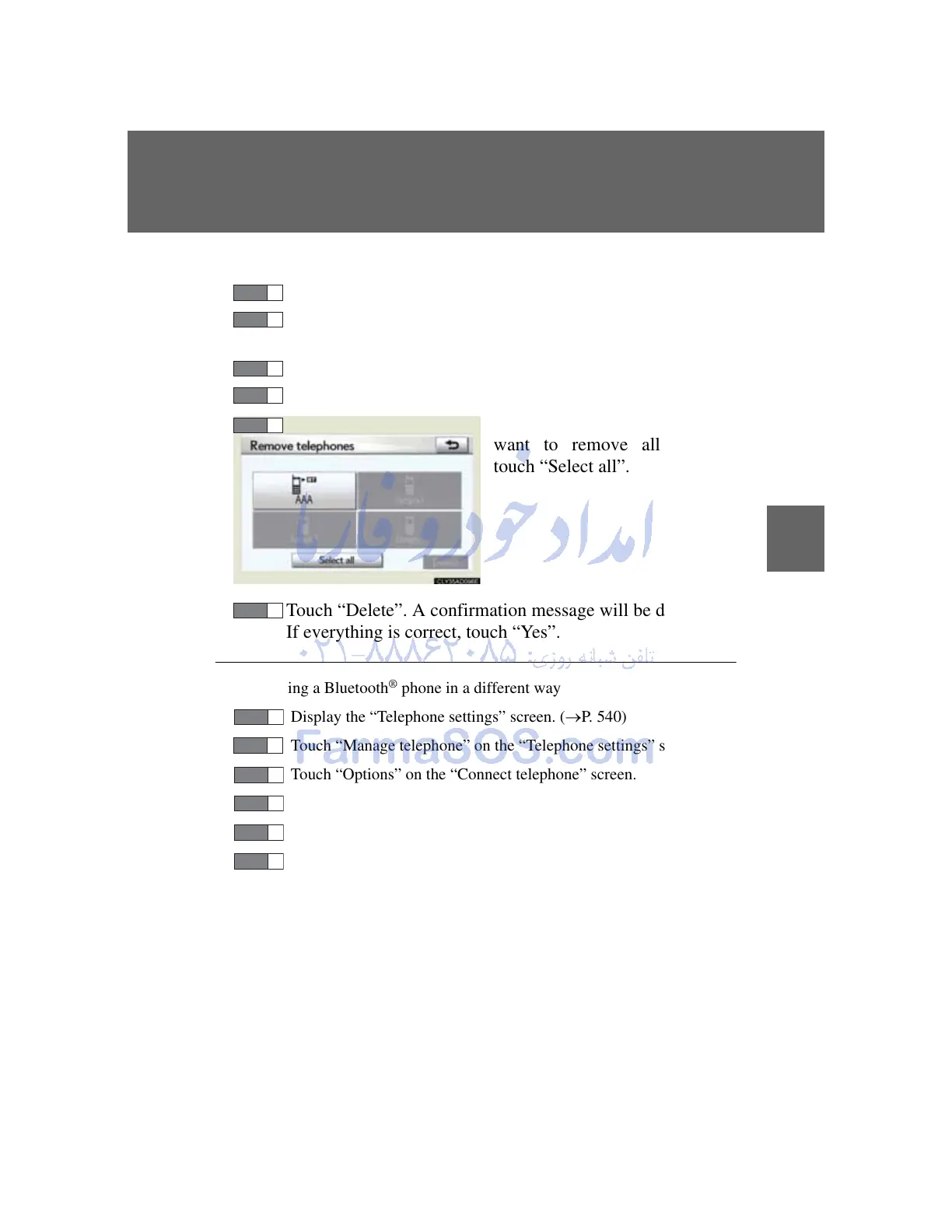
Touch “Remove telephones” on the “Telephones” screen.
Select the desired phone. If you
want to remove all phones,
touch “Select all”.
Touch “Delete”. A confirmation message will be displayed.
If everything is correct, touch “Yes”.
Registering a Bluetooth
®
phone in a different way
Display the “Telephone settings” screen. (P. 540)
Touch “Manage telephone” on the “Telephone settings” screen.
Touch “Options” on the “Connect telephone” screen.
Touch “New telephone” on the “Telephones” screen.
Touch “(empty)” on the “Telephone position” screen.
Follow the steps for “Registering a Bluetooth
®
phone” from
“STEP4”. (P. 542)



 To Next Page