2003 RX300 from Aug. 02’ Prod. (OM48442U)
20R017a
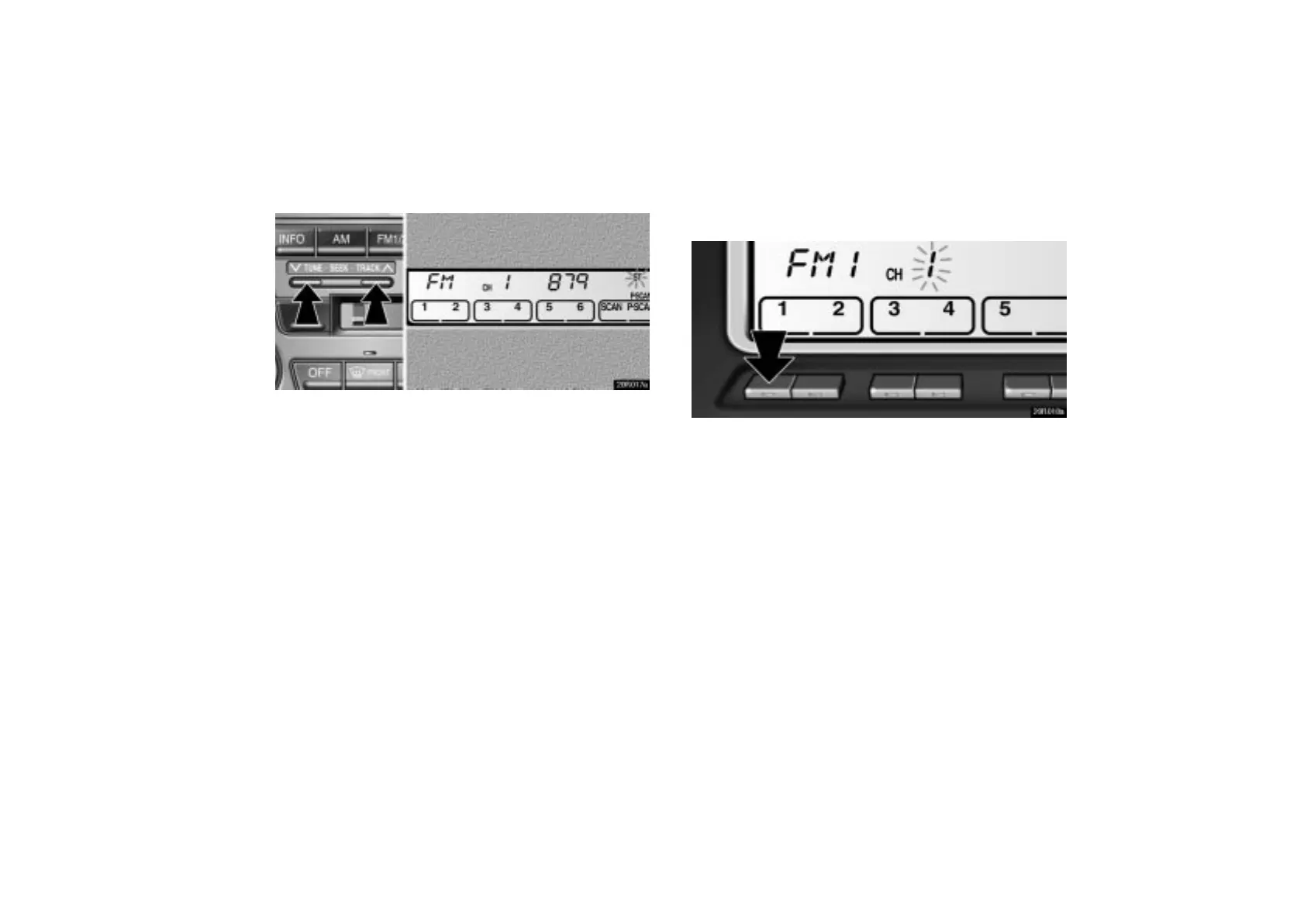
Push this button on the right side to step up the station
band or on the left side to step down.
Your radio automatically changes to stereo reception when a
stereo broadcast is received. “ST” appears on the display. If
the signal becomes weak, the radio reduces the amount of
channel separation to prevent the weak signal from creating
noise. If the signal becomes extremely weak, the radio
switches from stereo to mono reception. In this case, “ST”
disappears from the display.
(b) Presetting a station
20R018a
1. Tune in the desired station.
2. Push one of the station selector buttons ( 1–6 ) and hold
it until a beep is heard. This sets the station to the button
and the button number ( 1–6 ) appears on the display.
Each button can store one AM station and two FM stations. To
change the preset station to a different one, follow the same
procedure.
The preset station memory is cancelled when the power
source is interrupted by battery disconnection or a blown fuse.



 To Next Page