2003 RX300 from Aug. 02’ Prod. (OM48442U)
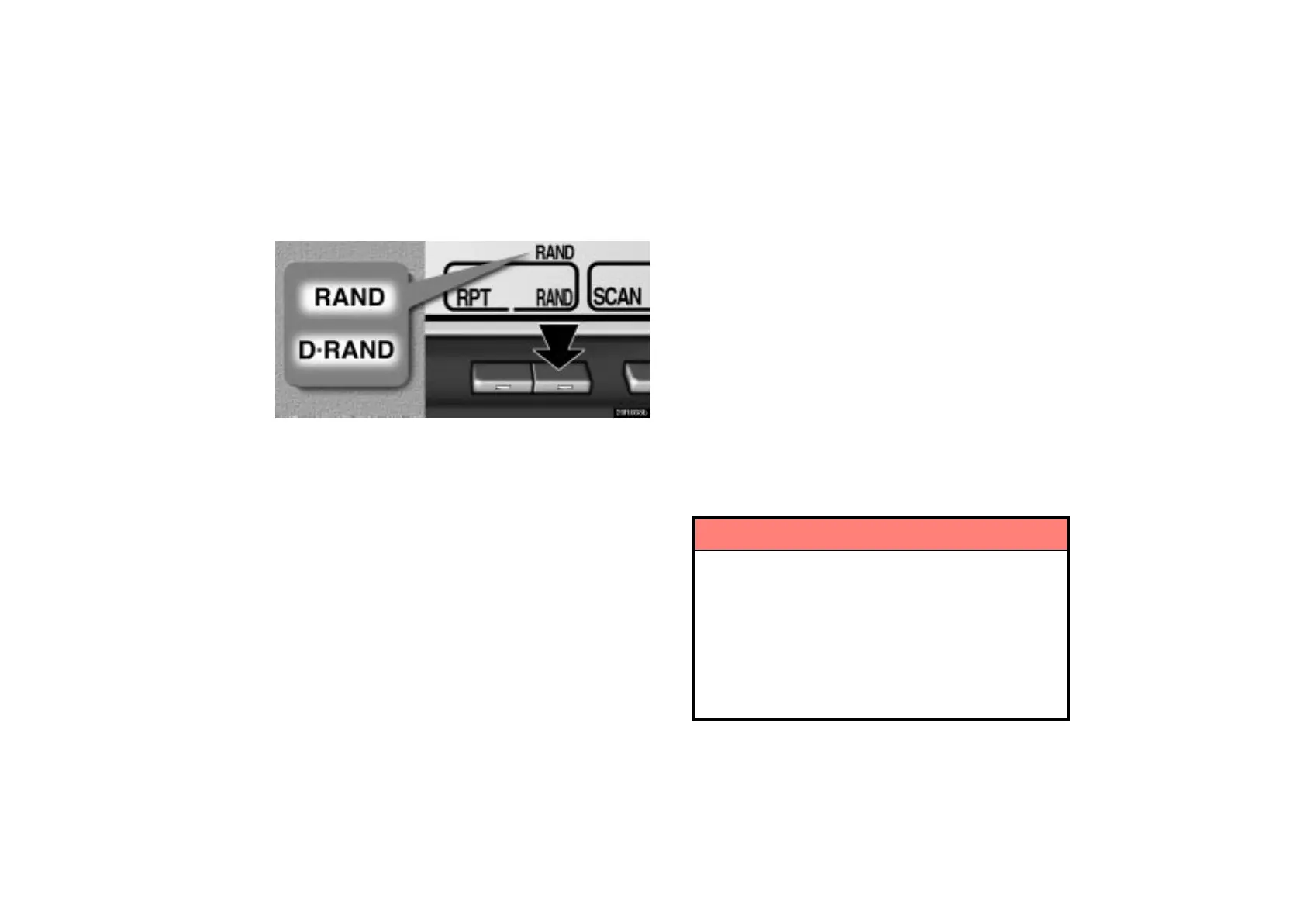
(h) Random playing
20R038b
“RAND” button: There are 2 random features — you can
either listen to the tracks on all the compact discs in the
magazine in random order, or only listen to the tracks on a
specific compact disc in random order.
Random playing for the tracks on a disc: Push the “RAND”
button briefly. “RAND” will appear on the display and play the
disc you are listening to in random order.
Random playing for all the tacks in the magazine: Push the
“RAND” button until you hear a beep. “D·RAND” will appear on
the display and the player will perform all the tracks on all the
discs in the magazine in random order. To turn off the random
feature, push “RAND” a second time.
When a track is skipped or the system is inoperative, push the
button to reset.
(i) If the player malfunctions
If “WAIT” appears on the display, audio signals of the disc
cannot be read or the system has trouble. Push the “CD”
button once again.
If the player does not operate, check that the disc surface is not
soiled or damaged. If the disc is O.K., the following causes are
possible.
Condensation may have occurred on the internal
mechanism of the automatic changer. Open the cover to let
the air circulate.
The temperature of the player’s internal mechanism is
raised because of high external temperature. Remove the
magazine from the player to cool it.
If the player still does not operate, take it to your Lexus dealer.
Car audio system operating hints
NOTICE
To ensure correct audio system operations:
Be careful not to spill beverages over the audio
system.
Do not put anything other than a cassette tape or
compact disc magazine into the tape slot or changer.
The use of a cellular phone inside or near the vehicle
may cause a noise from the speakers of the audio
system which you are listening to. However, this
does not indicate a malfunction.



 To Next Page