11
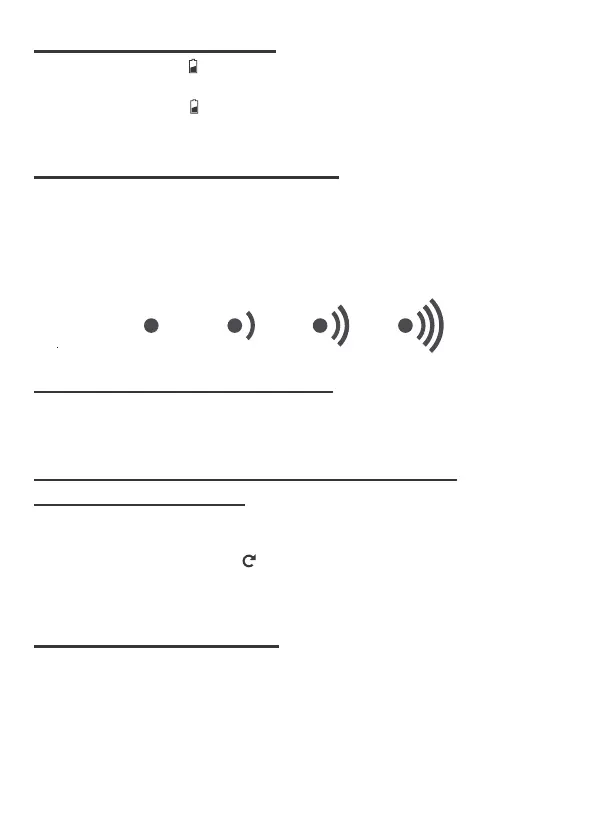
• When battery indicator next to the outdoor temperature, replace batteries
in your outdoor sensor.
• When battery indicator shows next to your atomic tower icon, replace
batteries in your wall clock.
• In Normal display, press and hold CHANNEL over 3s to search the outdoor
temperature sensor.
• The wall clock can support up to 3 sensors with different channels 1/2/3.
• The signal strength icon will animate until the sensor(s) signal is received, or
for 5 minutes if no signal available.
In Normal display, press and release ▼ to interchange the temperature unit
between degree Celsius and degree Fahrenheit.
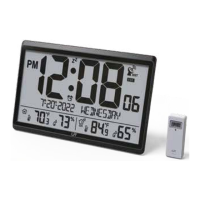
• In Normal display, press and release CHANNEL to interchange the reading
display for the outdoor temperature sensors.
• There are CH1, CH2 CH3 or cycle display.
• In cycle display mode, the outdoor temperature reading will be switched
every 3s.
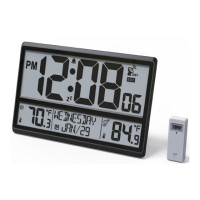
• The both the wall clock and outdoor transmitter have a table top and wall
mounting structure.
• For the clock, use the recessed hole/holes on at the back of the clock to hang
it or pull out the back-stand for table top use.
• For the transmitter, use the hang hole or place the unit in an area protected
from direct rain.
9 LOW BATTERY INDICATION
10 SEARCH FOR OUTDOOR SENSOR
12 SWITCH READING DISPLAY FOR THE OUTDOOR
TEMPERATURE SENSORS
11 SWITCH TEMPERATURE UNIT
13 USING THE WALL MOUNT


 To Next Page