11
• When minute of Alarm flashes.
• Press 【▲】or 【▼】button to set required alarm minutes.
Hold 【▲】or 【▼】button to adjust alarm minutes quickly.
• Press 【Alarm】to save all settings and exit to alarm mode.
Note: If there is no valid operation within 20 seconds, it will automatically return
to the normal display mode from the setting mode.
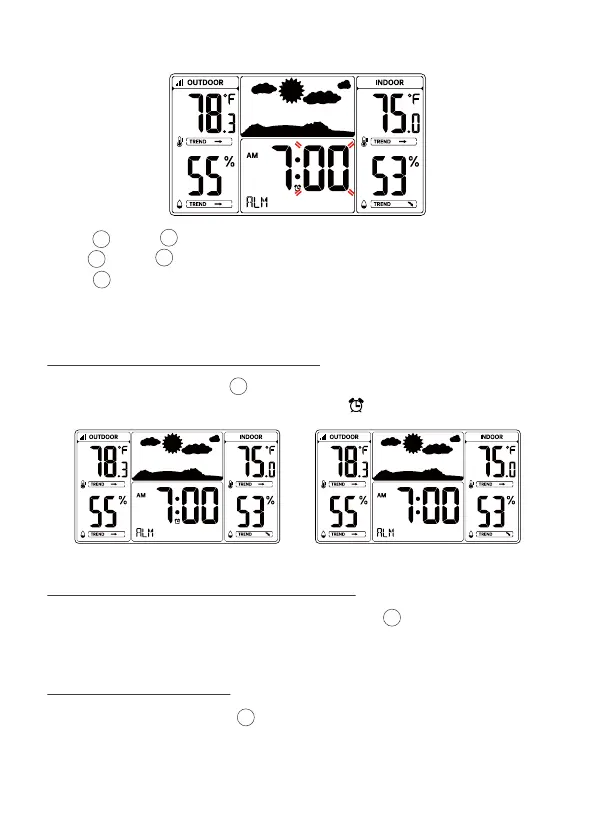
• In Alarm time display, press 【Alarm】to select the Alarm on or off.
• If the alarm is on, its corresponding alarm icon will be shown on the display.
• When the alarm rings, press 【Snooze/Dimmer】button to pause the alarm.
The snooze indicator icon keep flashing.
• The alarm will resume after 5 minutes.
Alarm is on Alarm is off
7.3 DEACTIVATE/ACTIVATE ALARM
7.4 SWITCHING OFF THE ALARM SIGNAL
7.5 SNOOZE FUNCTION
• When the alarm is ringing, press any buttons except 【Snooze/Dimmer】to
stop the alarm signal. It is not necessary to reactivate the alarm. It will ring
again this time next day.
9
12
12
9
10
11
10
11



 To Next Page