1.) Press and hold 【TIME SET】button entering the settings. RCC ON flashes.
Press 【▲】and 【▼】to set RCC on/off. Press 【TIME SET】to select
DST on/off.
In Normal time display, press and hold 【TIME SET】over 2 seconds to enter
time setting mode.
Press and release 【▲】 and 【▼】to adjust the values. Hold to adjust
quickly.
Press and release 【TIME SET】to confirm and move to the next item.
During atomic clock reception, press and release 【WAVE】button to exit
atomic clock reception.
For information about WWVB, visit
www.nist.gov/pml/div688/grp40/wwvb.cfm
You can receive the atomic clock signal manually. In Normal display, press and
hold 【WAVE】over 2 seconds to receive the atomic clock signal manually.
The RCC receiving dot icon“
● ”is flashing and will start atomic clock reception.
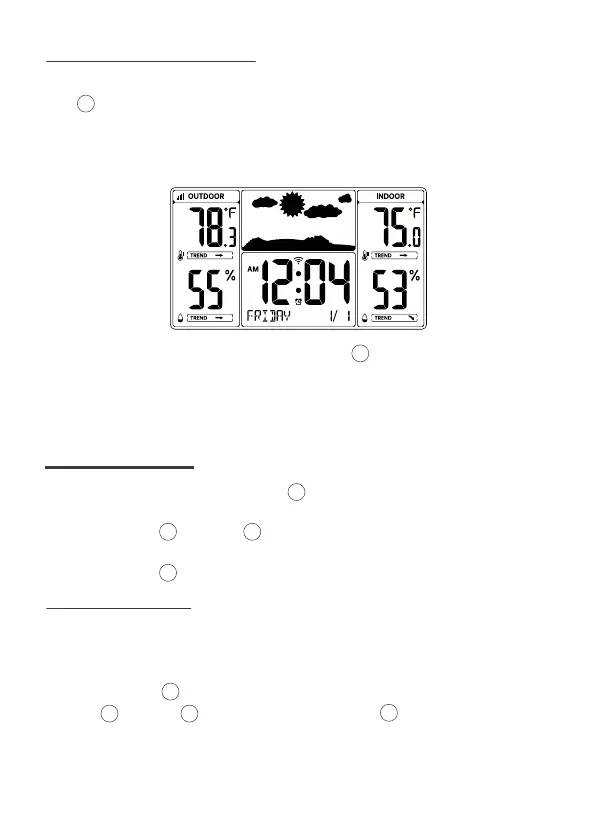
When the atomic clock signal is received successfully, the time and date will be
updated.
8
5.1 MANUAL RCC RECEPTION
6.1 SETTING ORDER
15
15
8
8
8
10
8
11
10 11
6 TIME SETTING
1. RCC On/Off
4. Month
7. Hour
3. Year
6. 12/24 Hour Format
9. End of Setting
2. DST On/Off
5. Date
8. Minute



 To Next Page