14
• In Normal time display, press and hold
【C/F/CH】
over 2 seconds to search
the outdoor temperature and humidity sensor.
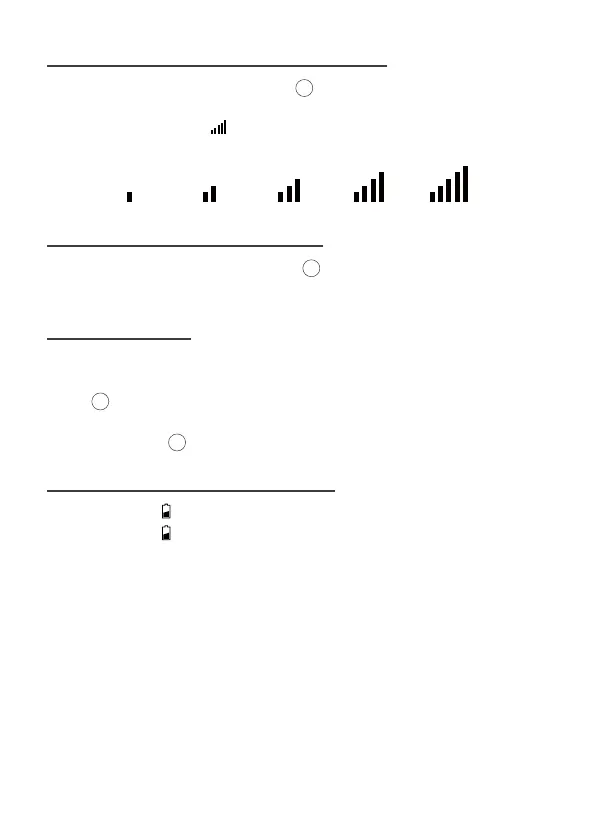
• The signal strength icon will animate until the sensor signal is received, or
for 5 minutes if no signal available.
In Normal time display, press and release
【C/F/CH】
to interchange the
temperature unit between degree Celsius and degree Fahrenheit.
11 SEARCH FOR OUTDOOR SENSOR
12 SWITCH TEMPERATURE UNIT
14
14
13 BACKLIGHT
• When operating with the power cable, there are 3 levels of brightness for
adjustment.
• Press 【SNOOZE/DIMMER】to adjust backlight.
• When operating on batteries only, the backlight will come on shortly (about
10 seconds) when 【SNOOZE/DIMMER】is pressed.
14 LOW BATTERY INDICATION
• Low battery icon by outdoor humidity, replace batteries in the sensors.
• Low battery icon by indoor humidity, replace batteries in the weather station.
Note: When there is low battery icon indication, it means the used battery level is
low, it may affect normal functions. Please replace new alkaline batteries soon in
order to keep normal function.
12
12



 To Next Page