iPECS eMG80/100& eMG800 & UCP & vUCP
Feature Description and Operation Manual Issue 2.4
499
6.17 Intrusion
Description
An Attendant can intrude upon an active station conversation. When the Attendant intrudes an Intrusion Tone
is provided, if assigned, and a conference is established between the Attendant, station, and the connected
party.Intrusion can only be activated using an {ATD INTRUSION} button.
Operation
Attendant
To assign an {ATD INTRUSION} button
[TRANS/PGM] + {FLEX} + [TRANS/PGM] + “86” + [HOLD/SAVE]
To activate attendant intrusion while receiving busy on an Intercom call
1) Press {ATD INTRUSION} button, Intrusion Warning Tone is provided to the busy station and the
Attendant join the conference to the call.
Conditions
✓ If an Attendant or Secretary of an Executive/Secretary pair presses the {ATD INTRUSION} button while
receiving DND tone, the system will activate DND Override.
✓ The conditions of the Conference feature apply.
✓ If ‘Privacy’ option is ON, then Attendant can’t intrude to the station.
Programming
Keyset Admin.
STATION
Override Privilege (PGM 113-Button 4)
SYSTEM
Automatic Privacy (PGM 161-Button 3)
Privacy Warning Tone (PGM 161-Button 4)
Web Admin.
STATION DATA
Common Attributes Override Privilege
SYSTEM DATA
System Attributes Automatic Privacy, Privacy Warning Tone
Hardware
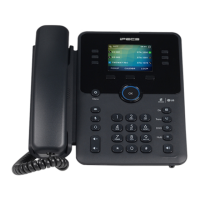
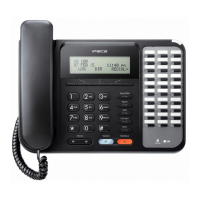
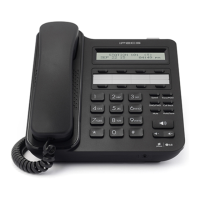
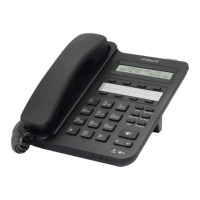
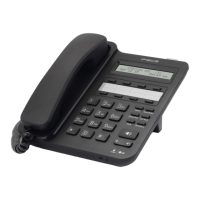
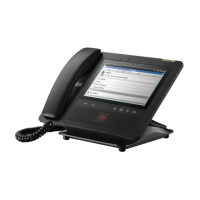
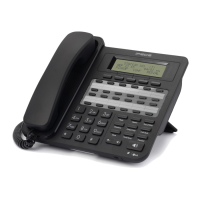
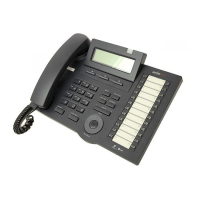
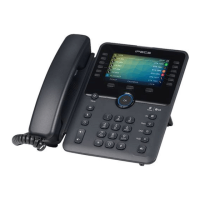
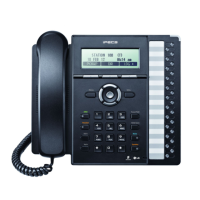
◼ iPECS IP or LDP Multi-button Phone, a 24-button phone is recommended



 To Next Page