30
ENGLISH
ENTERTAINMENT
Listening to music
1 Press SETTINGS to access the main menus.
2 Press the Navigation buttons to scroll to USB and
press OK.
3 Press the Navigation buttons to scroll to MUSIC
LIST and press OK.
4 Press the Navigation buttons to scroll to a folder/file
you want and press OK.
5 Play music by using the following menus/buttons.
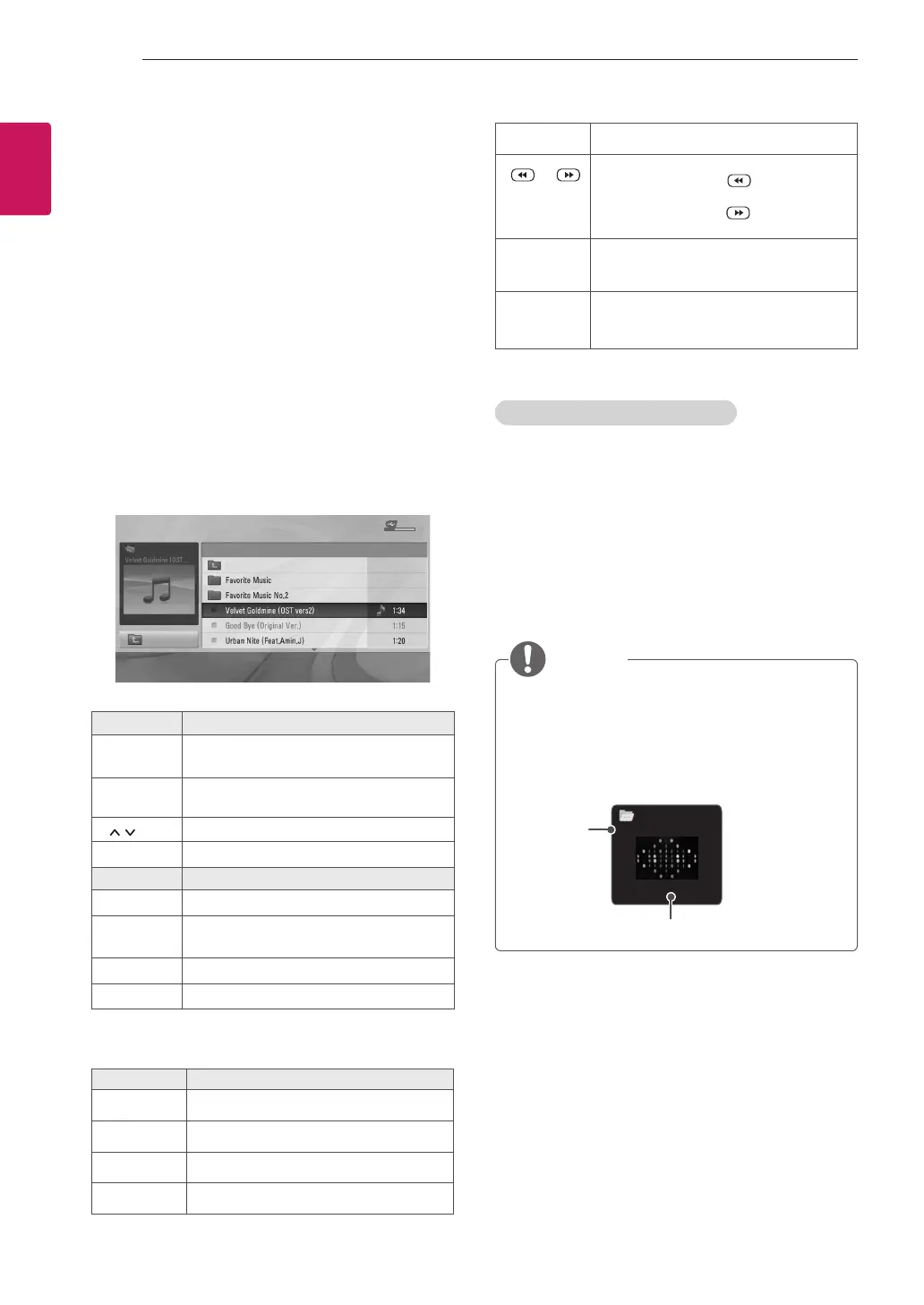
MUSIC LIST
Page 1/1 No Marked
USB Device
Free Space 4 GB
DriveA Title Duration
00:00 / 01:34
Up Folder
ꔂ Move
ꔉ
PopUp Menu
Move Page
ꘂ Mark
꘩
Option Exit
Button Description
Navigation
button
Scrolls through the files.
OK
Views the highlighted file or enters the
mark mode.
P
Moves to the previous or next page.
FAV
Enters the mark mode.
Menu Description
Play
Plays the selected music file.
Play with
Photo
Displays photos during playback.
Mark All
Selects all files.
Close
Exits the Mark Mode.
6 Control playback by using the following
buttons.
Button Description
r
Stops playback
s
Plays a music file
t
Pauses or resumes playback
w
Skips to the next file
v
Skips to the previous file
or
When playing,
When you press the button, the pre-
vious music file will be played.
When you press the button, the next
music file will be played.
EXIT
When you press the EXIT button, only
the music will be stopped and the player
will go to TV viewing.
or ꕍ
When using the ꕌorꕍ button during
playback a cursor indicating the position
can be played.
Q.MENU options for music list
1 Press Q.MENU.
A pop-up window will appears.
2 Press the Navigation buttons to scroll to music list
option and press OK.
3 Press the Navigation buttons to scroll to one of the
following options and press OK.
Set audio.
Allows you to change Audio presets.
NOTE
y
The TV will not play copy protected files.
y
If the TV is not in use for some time during
playback, the information box as a screensaver
will appear to prevent image burn.
To return to the Music list screen,
press OK or
ꕣ
BACK.
Set video.
Allows you to change Video presets.
Set audio.
Allows you to change Audio presets.
00:53 / 05:31
Musics
001.mp3
Time elapsed /Duration
File name


 To Next Page