34
ENGLISH
CUSTOMIZING TV SETTING
CUSTOMIZING TV SETTING
y
Image shown may differ from your TV.
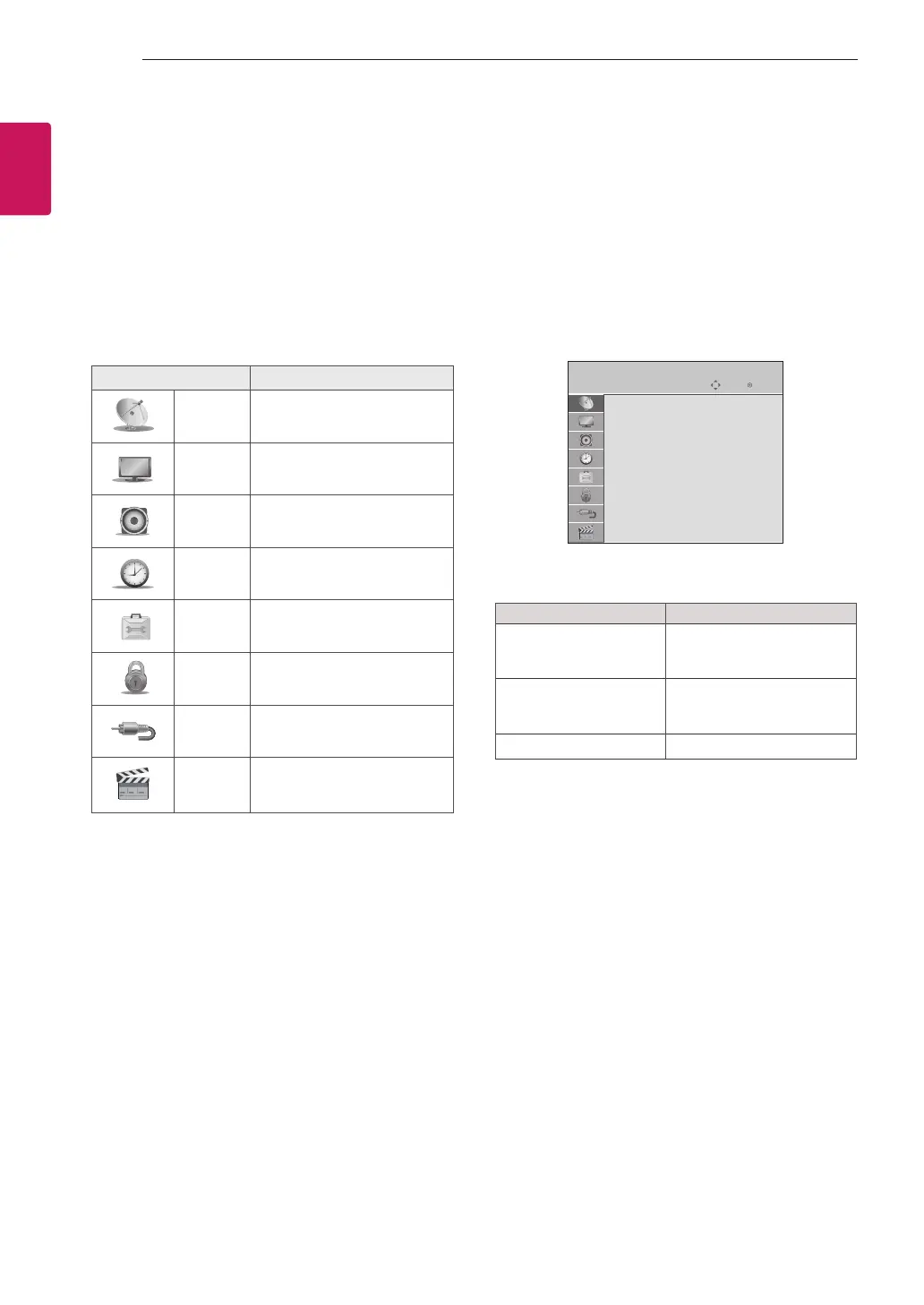
Accessing main menus
1 Press SETTINGS to access the main menus.
2 Press the Navigation buttons to scroll to one of the
following menus and press OK.
3 Press Navigation buttons to scroll to the setting or
option you want and press OK.
4 When you are finished, press EXIT.
Menu Description
SETUP
Sets up and edit programmes.
PICTURE
Adjusts the image size, qual-
ity, or effect.
AUDIO
Adjusts the sound quality, ef-
fect, or volume level.
TIME
Sets the time, date, or timer
feature.
OPTION
Customizes the general set-
tings.
LOCK
Locks or unlocks pro-
grammes.
INPUT
Views the input sources
with their labels
USB
Displays photo and play
music, movie content stored
on your USB.
Customizing Settings
SETUP Settings
1 Press SETTINGS and the Navigation buttons to
scroll to SETUP.
2 Press the Navigation buttons to scroll to the setting
or option you want and press OK.
3 When you return to the previous menu, press
ꕣ
BACK
.
y
Image shown may differ from your. TV.
SETUP
Auto Tuning
Manual Tuning
Programme Edit
Move OK
The available programme settings are described in the
following:
Setting Description
Auto Tuning Tunes and stores all avail-
able programmes through
antennas inputs.
Manual Tuning Tunes and stores the
programmes you want
manually.
Programme Edit Edits programmes.


 To Next Page