EasyManua.ls Logo

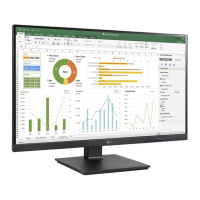
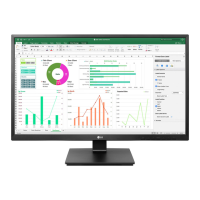
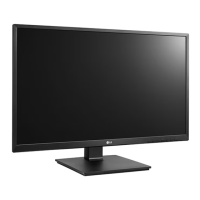
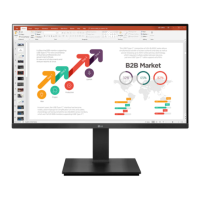
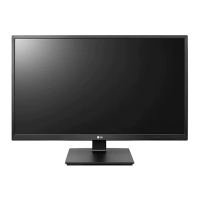
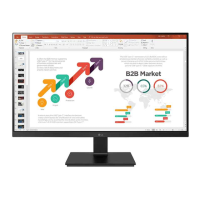
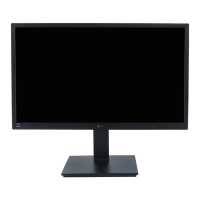
LG 24BN650U - User Manual

LG 24BN650U
22 pages
Print Icon
To Next Page IconTo Next Page
Loading...
* LG LED Monitor applies LCD screen with LED backlights.
Please read this manual carefully before operating your set and retain it for future reference.
24BN650U
Owner’s Manual
LED LCD MONITOR
(LED Monitor*)
www.lg.com
Copyright © 2019 LG Electronics Inc. All Rights Reserved.

Questions and Answers

  • V
    Veronica WareAug 5, 2025
    What to do if no image appears on my LG 24BN650U Monitor?
    • W
      whaleyAug 5, 2025
      If no image appears on your LG Monitor, first, ensure the power cord is properly connected to the power outlet. Then, check the signal cable between the PC and the monitor to make sure it is correctly connected. Also, this issue might occur if the signal from your PC is out of the display's frequency range. Refer to the 'Specifications' section of the manual to configure your display accordingly. Finally, verify that the OSD controls are unlocked by entering the OSD lock menu and changing the settings to 'off'.

LG 24BN650U Specifications

General IconGeneral
Screen Size24 inches
Panel TypeIPS
Refresh Rate60 Hz
Response Time5 ms (GtG)
Brightness250 cd/m²
Contrast Ratio1000:1
Aspect Ratio16:9
SpeakersNo
VESA Mount100 x 100 mm
Resolution1920 x 1080
PortsHDMI, DisplayPort
USB HubYes

Related product manuals