ENGLISH
16
ASSEMBLING AND PREPARING
Detaching the Stand
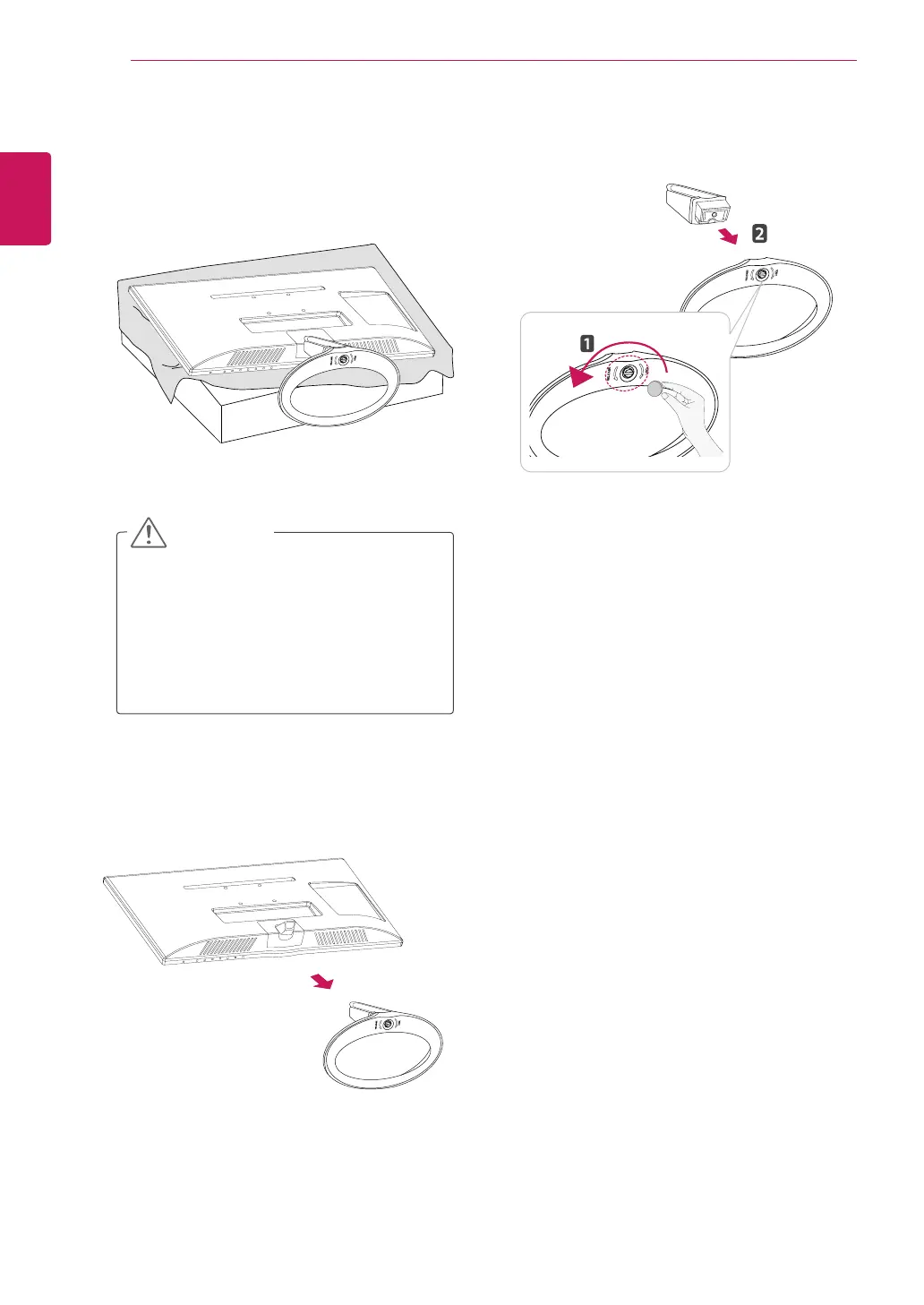
1
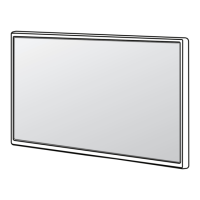
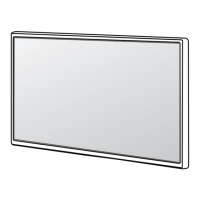
Place the TV with the screen side down on a
flat and cushioned surface.
Lay a foam mat or soft protective cloth
on the surface to protect the screen from
damage.
When detaching the stand to the TV,
place the screen facing down on a
cushioned table or flat surface to protect
the screen from scratches.
CAUTION
2
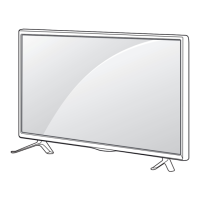
Pull out the Stand Body from the TV.
3
Turn the screw to the left, and then pull out the
Stand Base from the Stand Body.



 To Next Page